Convert All Text to Lowercase Using "Lowercase all" Text Helper

Go to app.keragon.com

1. Click + to add new step
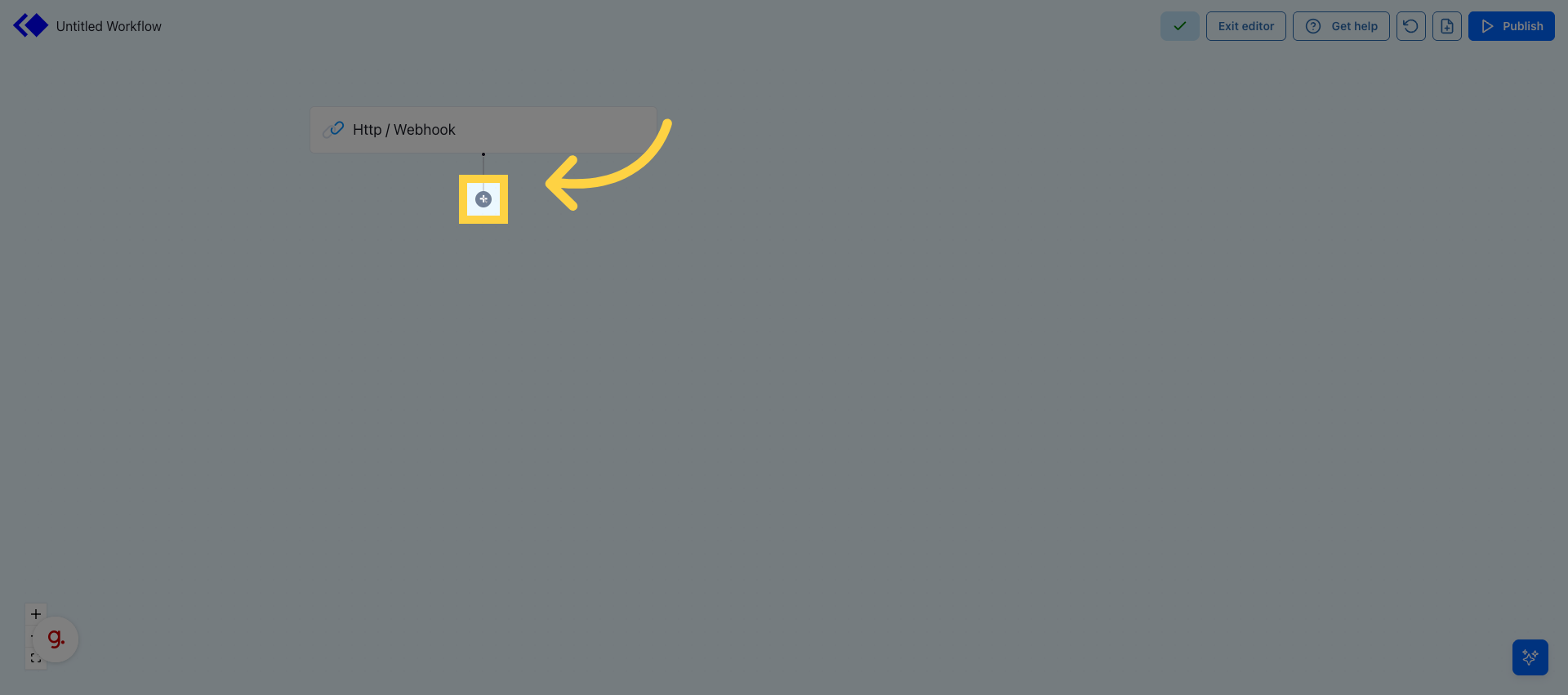
Click + to add new step 

2. Select Helpers
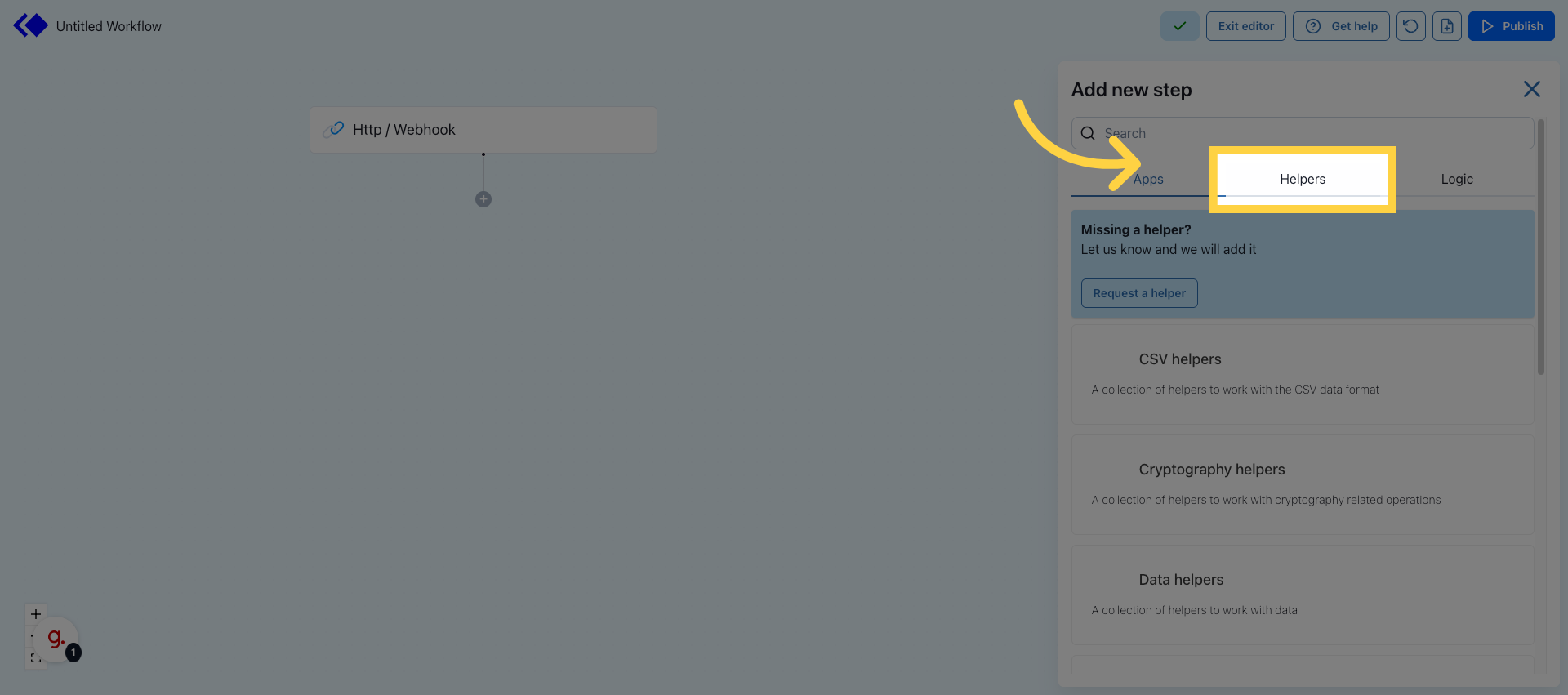
Select Helpers 

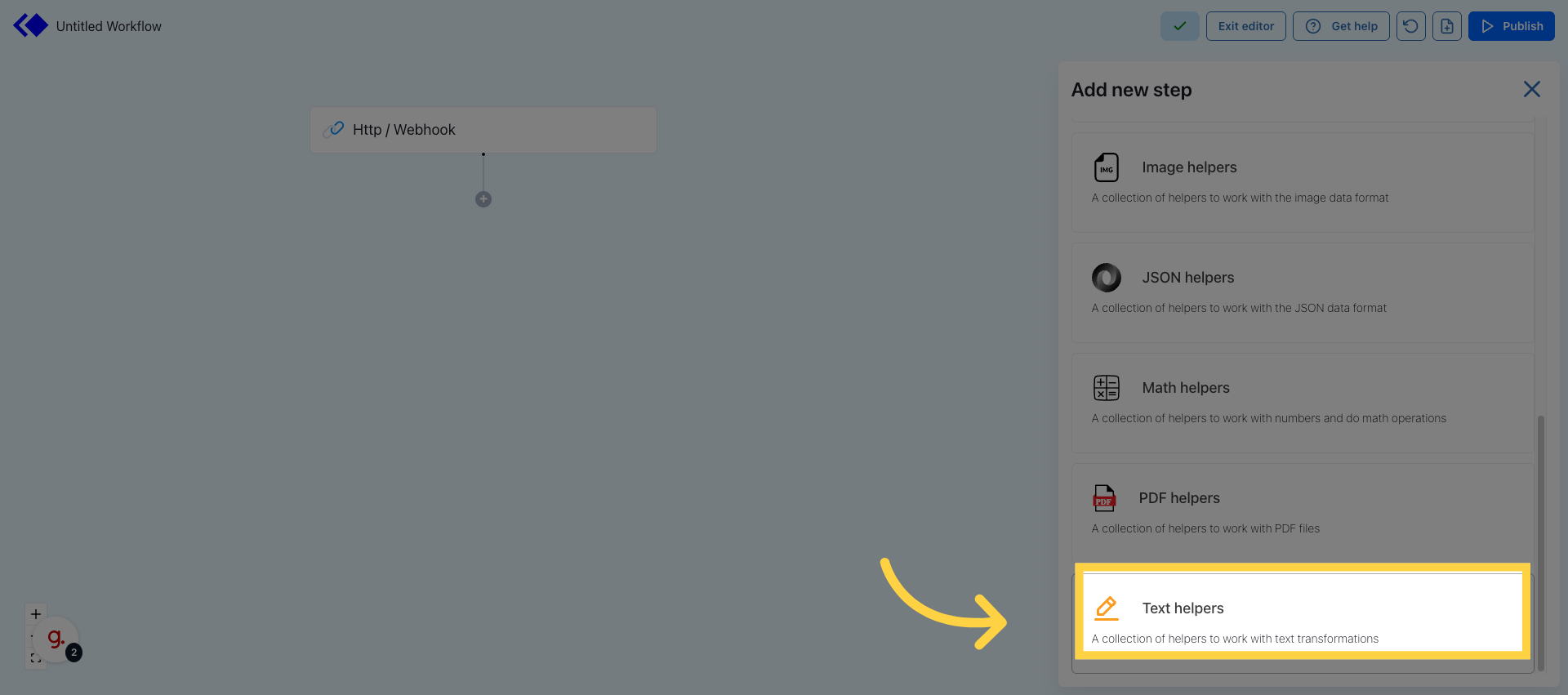
3. Click Text Helpers

Click Text Helpers 

4. Click "Lowercase all"
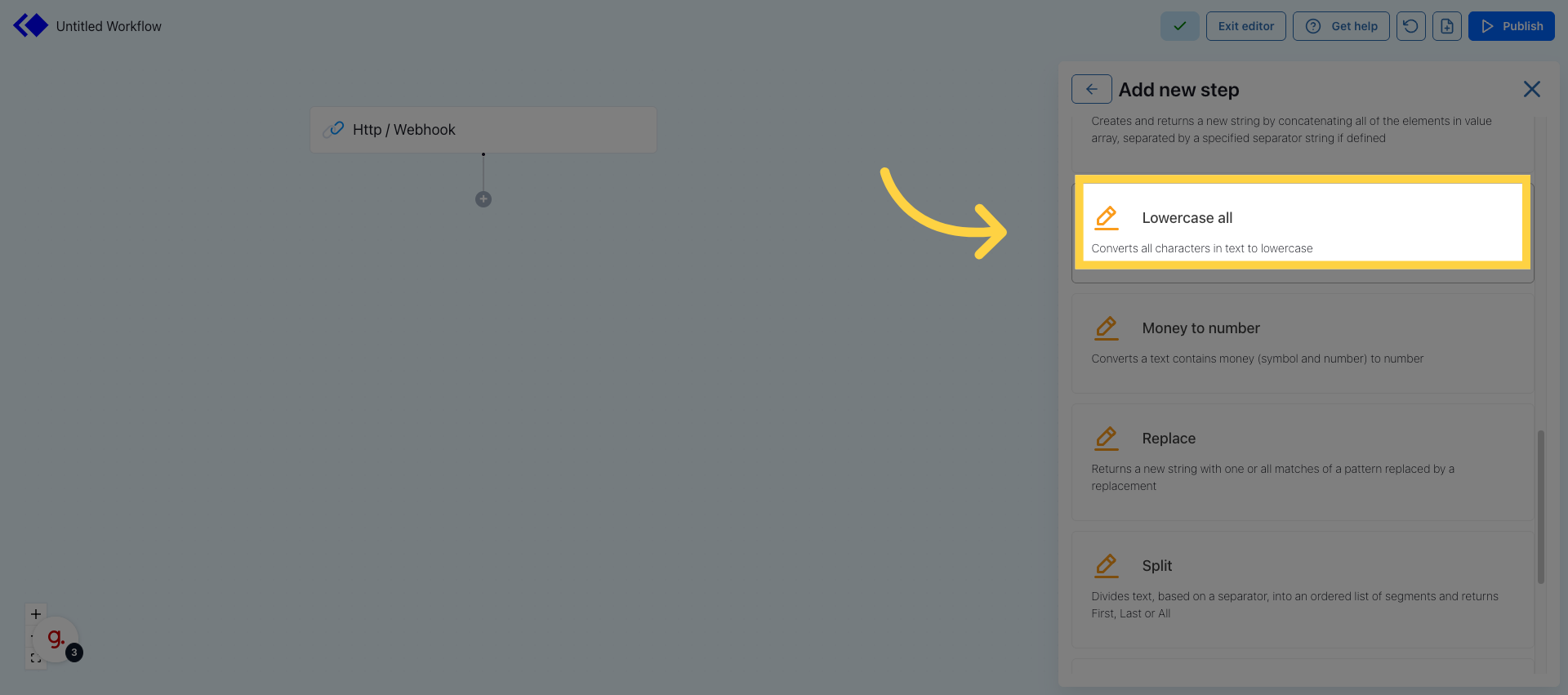
Click 'Lowercase all' 

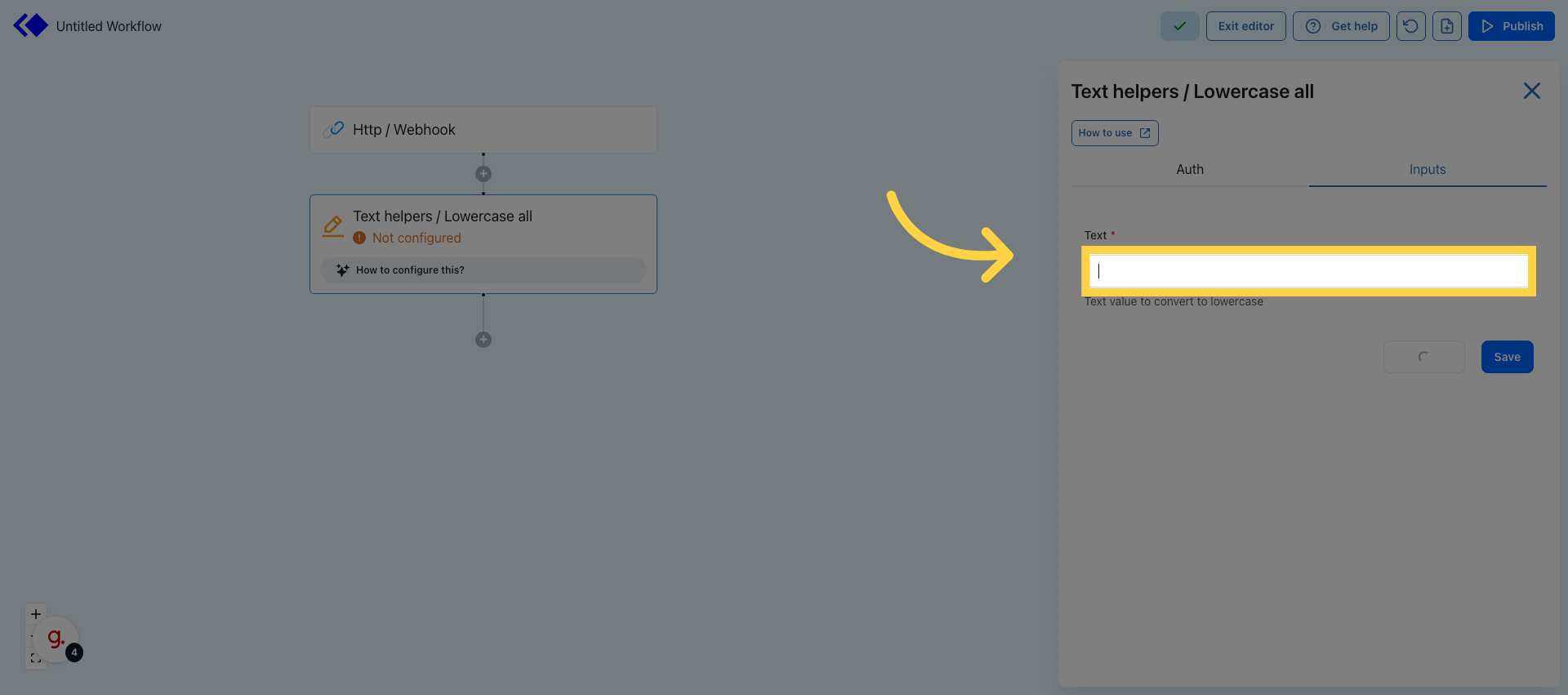
5. Input any text to lowercase

Input any text to lowercase 

6. Click Save
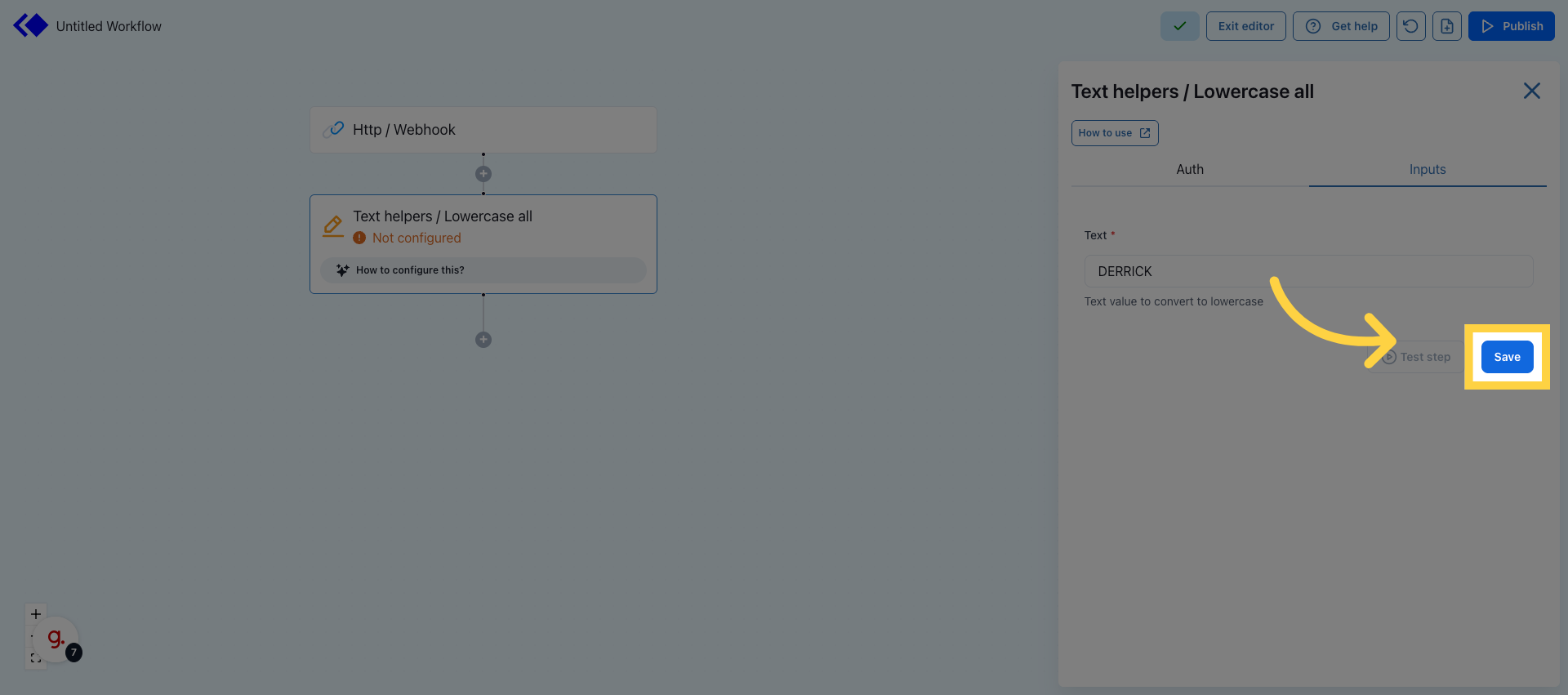
Click Save 

7. Run Test Step

Click "Test step" to execute the helper and verify that the text is converted to lowercase.
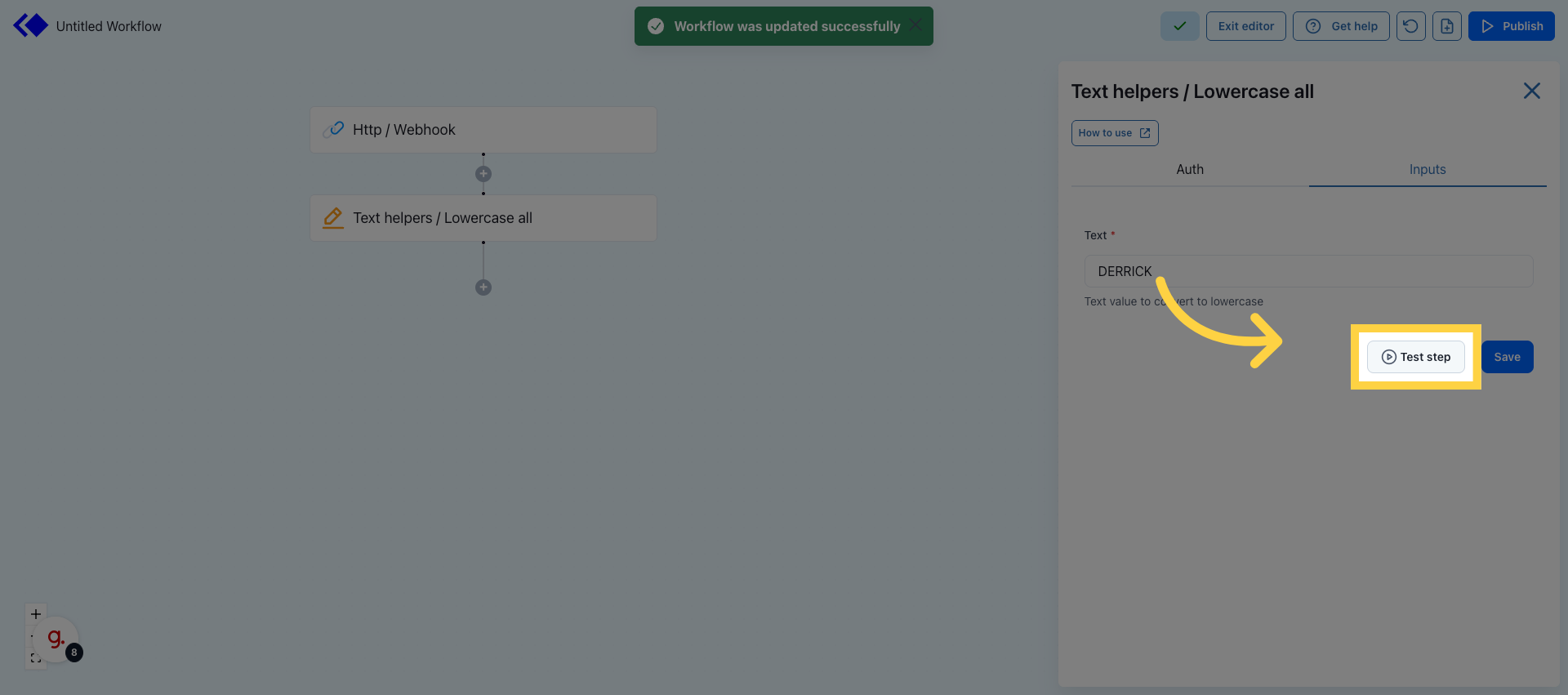
Run Test Step 

8. Check that the output has been converted to all lowercase
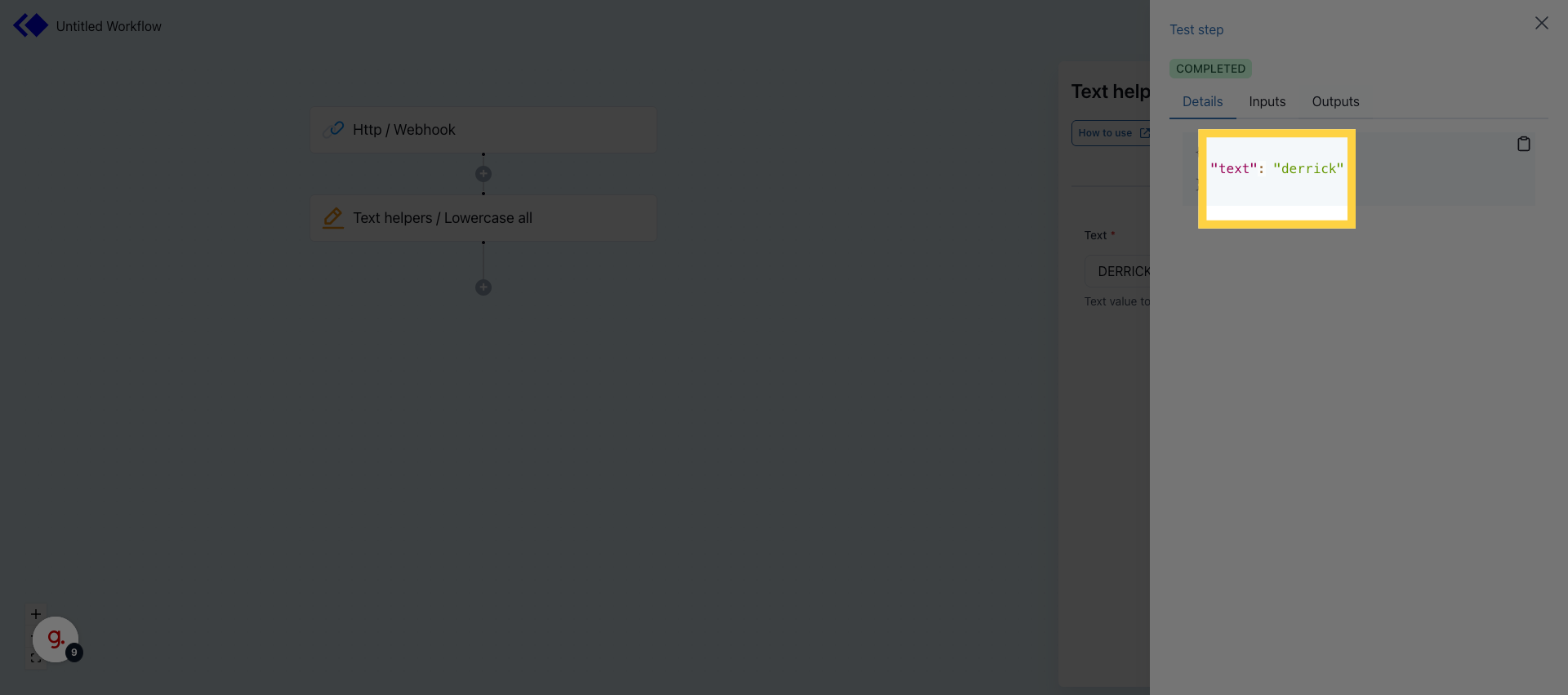
Check that the output has been converted to all lowercase

Was this article helpful?
0 out of 0 found this helpful

Articles in this section

See more