Learn how to add a Keragon webhook in Feathery.
Go to app.feathery.io
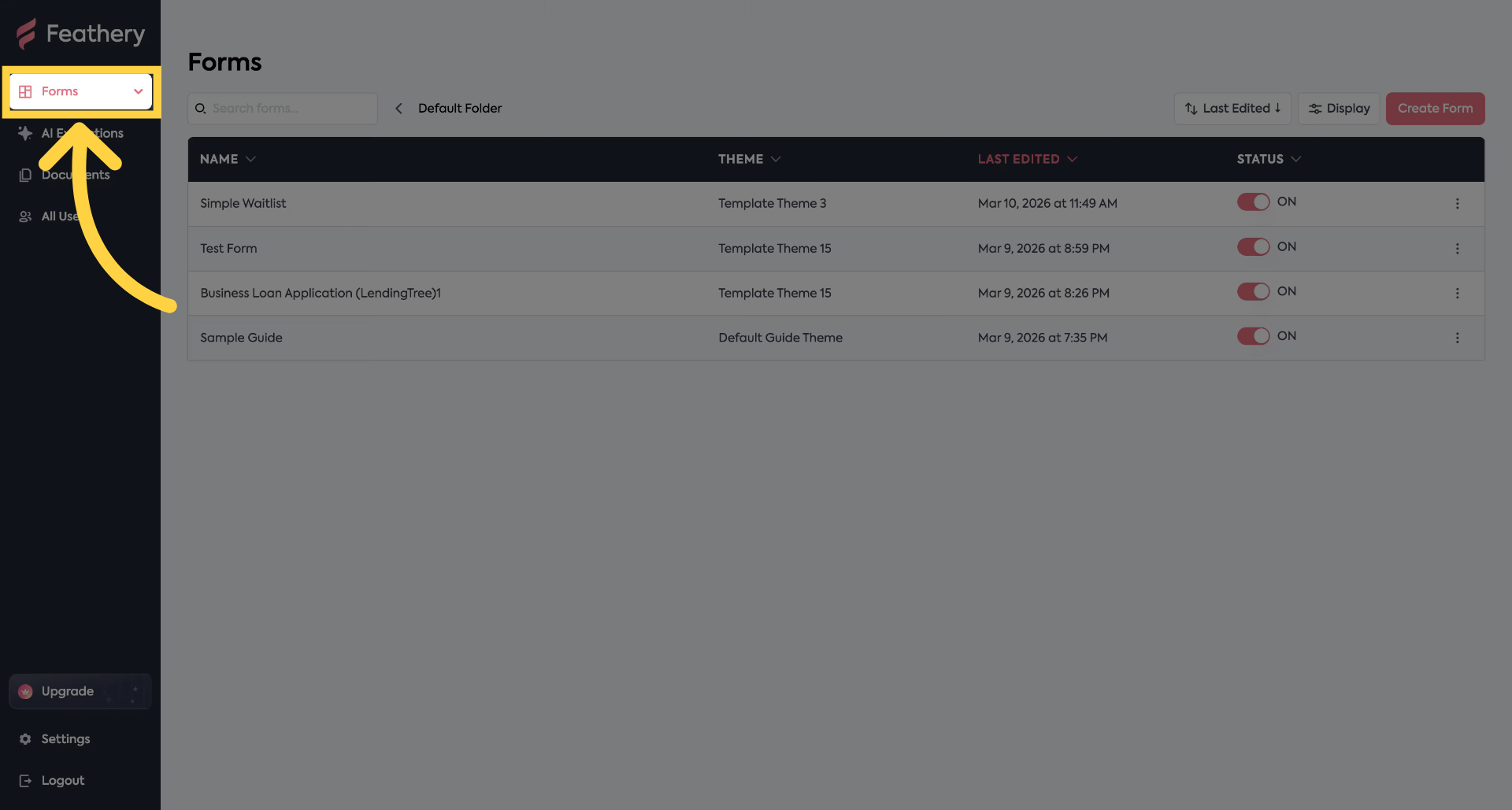
1. Click "Forms"
Navigate to "Forms" section.
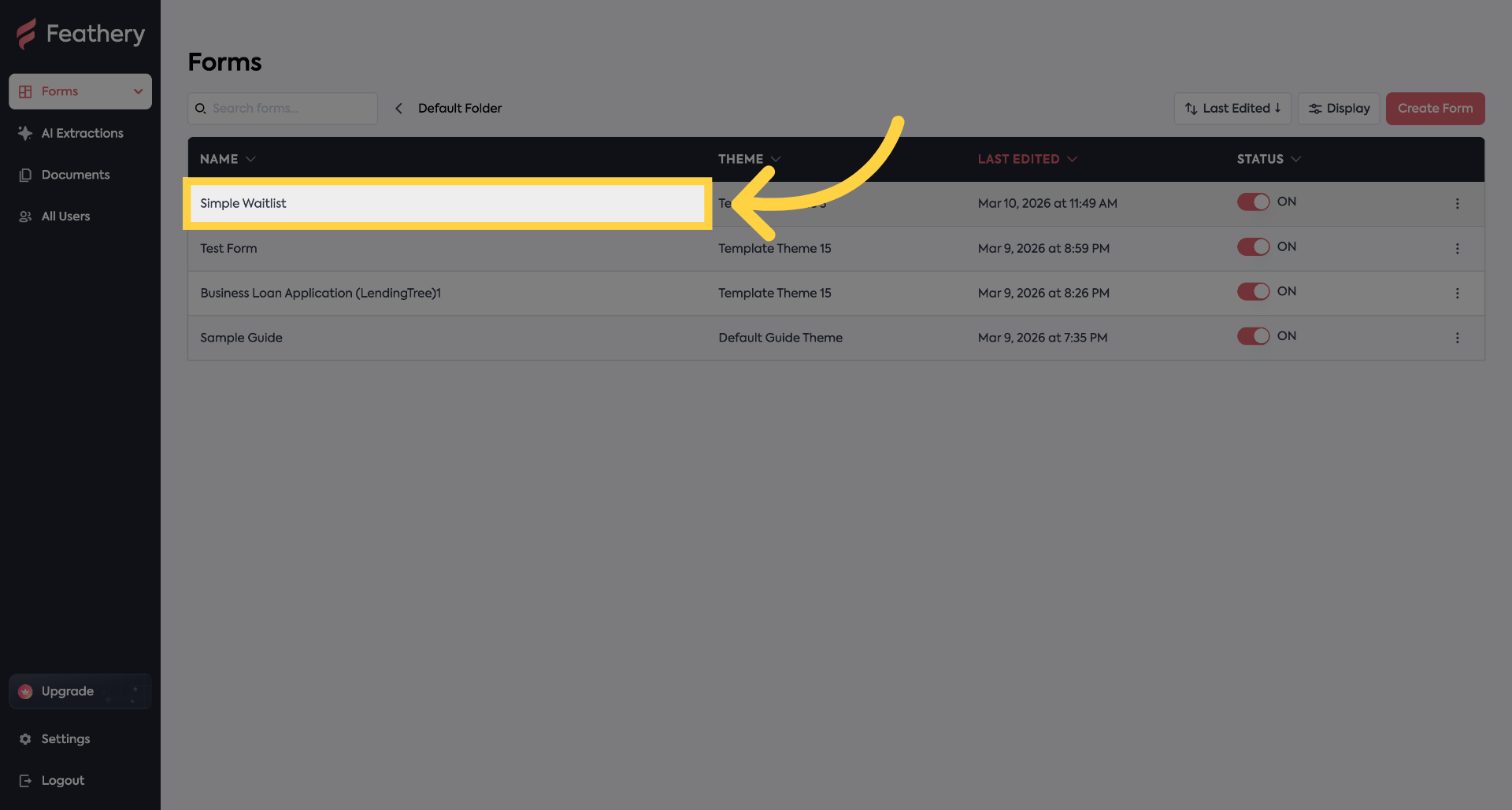
2. Click a Form
Click a form
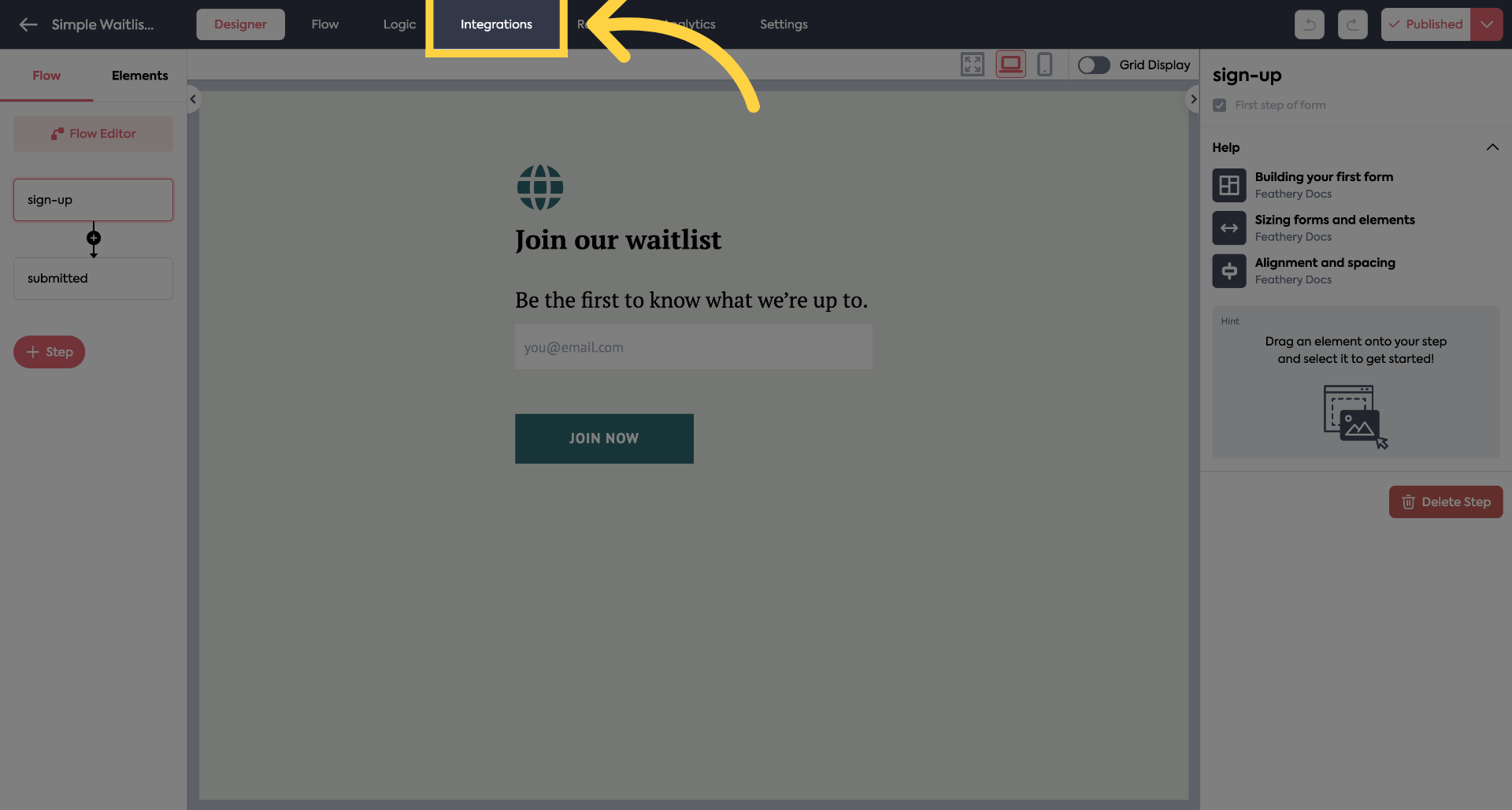
3. Click "Integrations"
Click "Integrations"
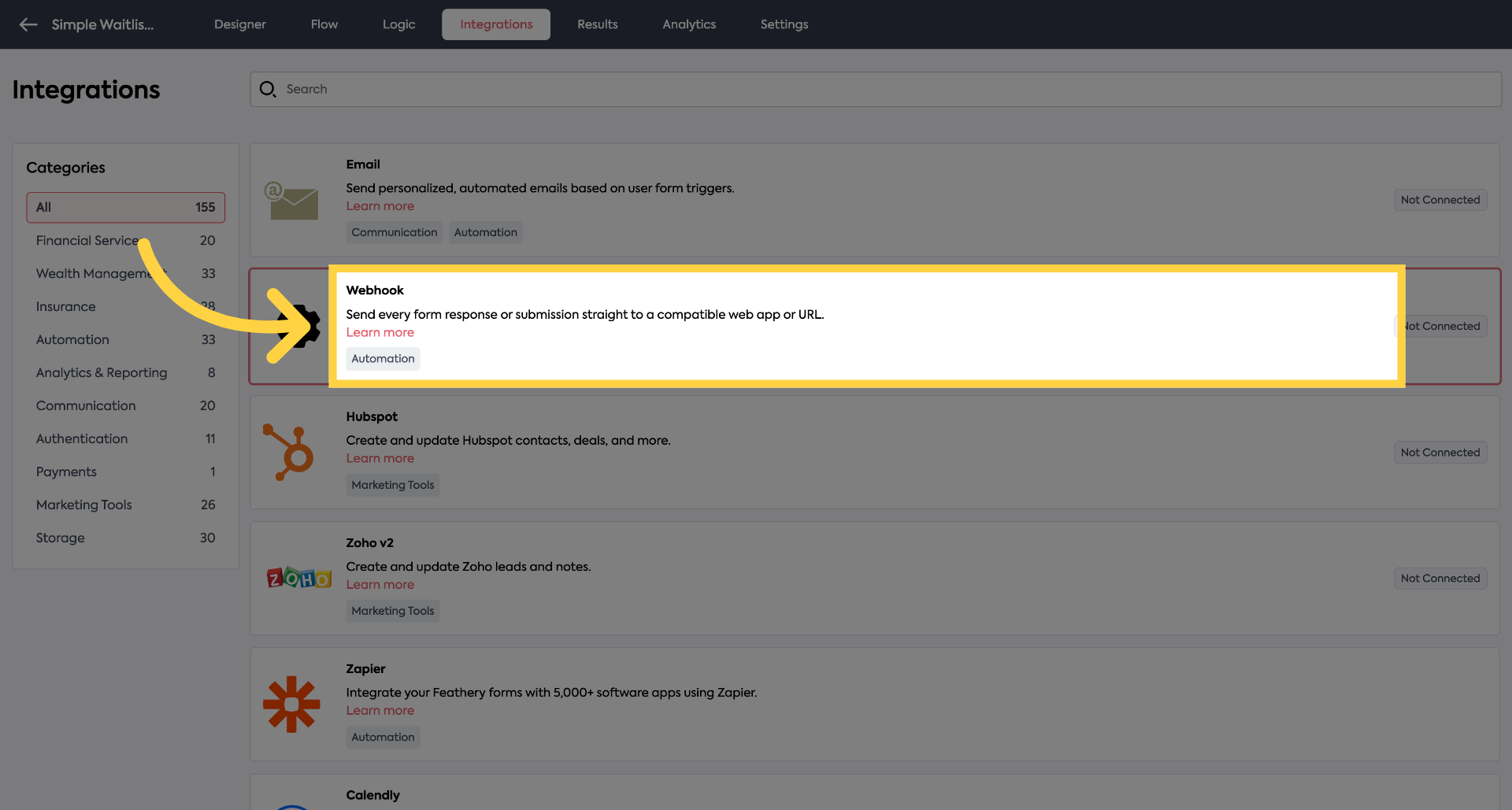
4. Click "Webhook"
Click "Webhook" to configure webhook settings.
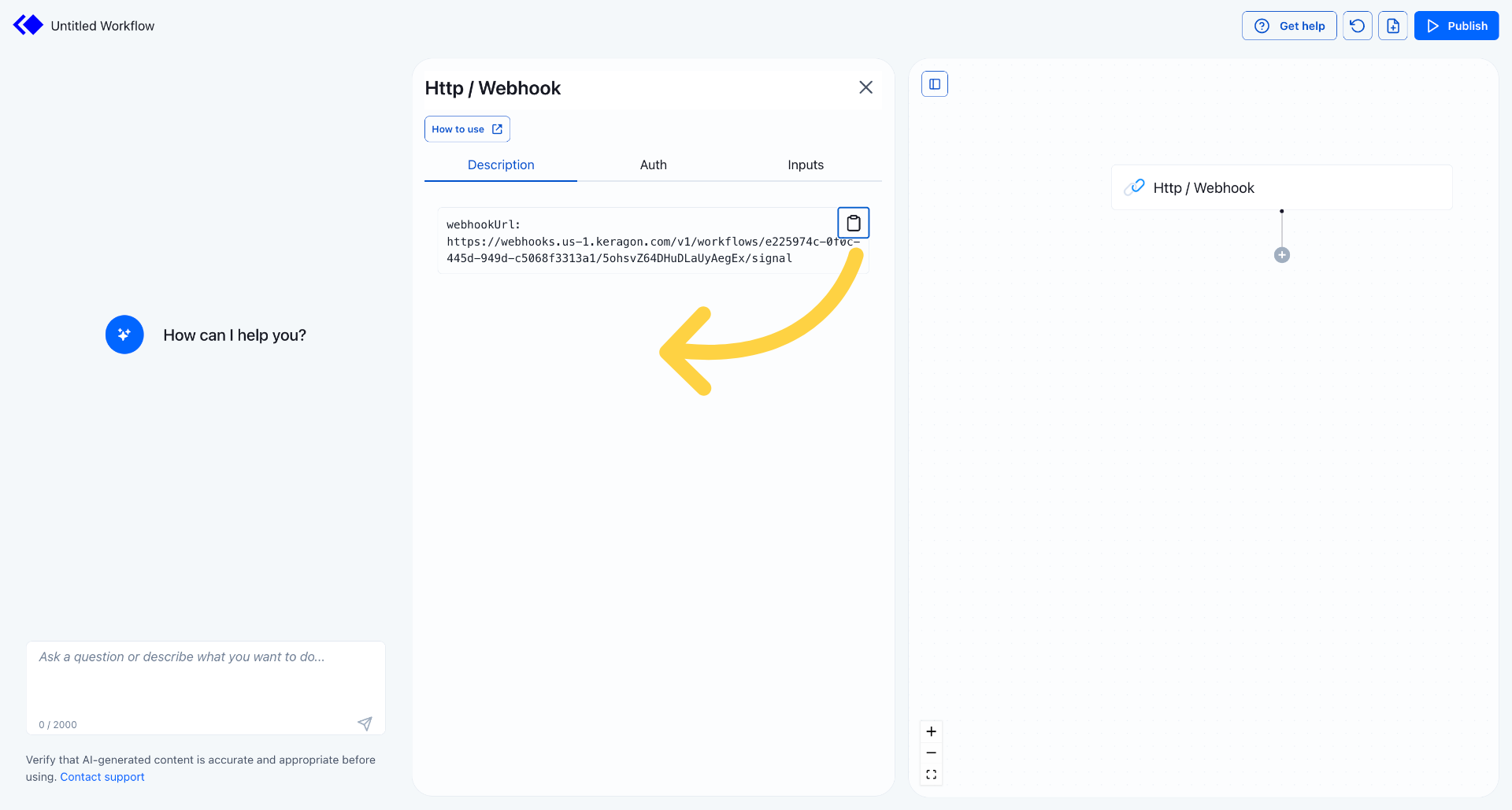
5. Copy "WebhookURL"
Copy the webhook URL from your keragon trigger
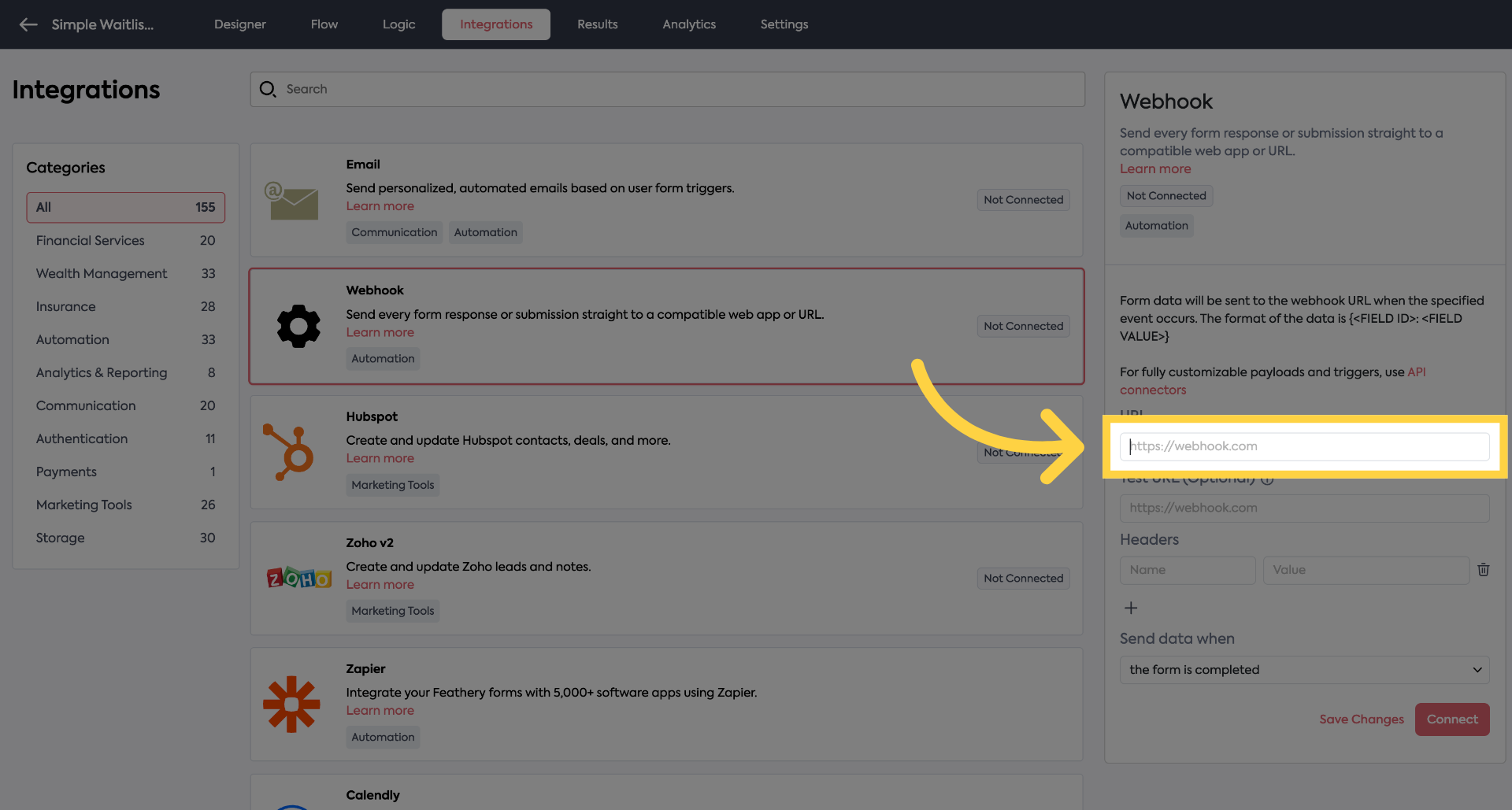
6. Paste it here
Paste your Keragon webhook url
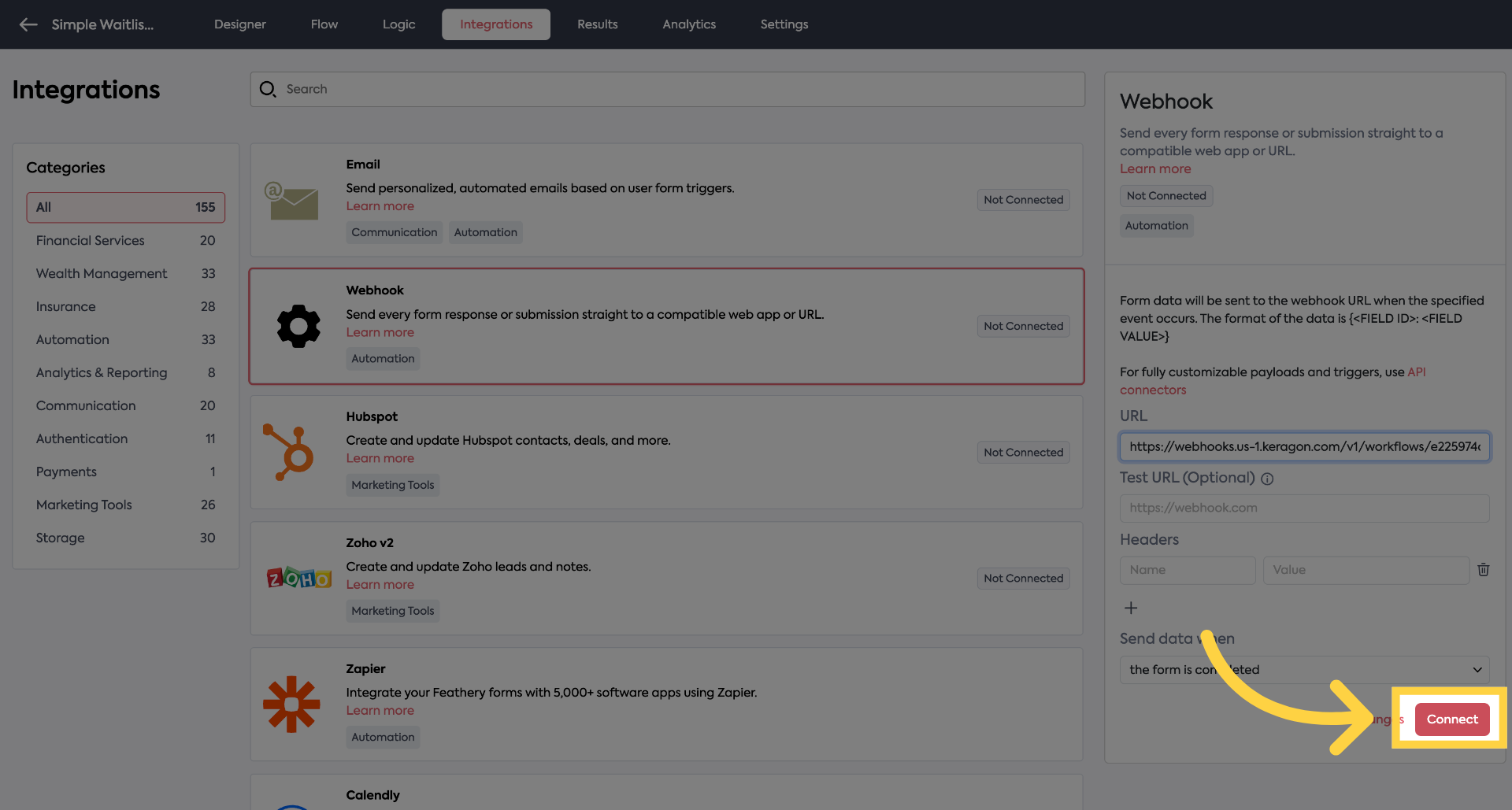
7. Click "Connect"
Click "Connect" to finalize and activate the webhook integration for your form.
You have successfully configured a webhook integration in Feathery Forms to send form responses automatically to an external application.