How to send files in Spruce Health messages

Go to app.keragon.com

1. Use "Upload media"
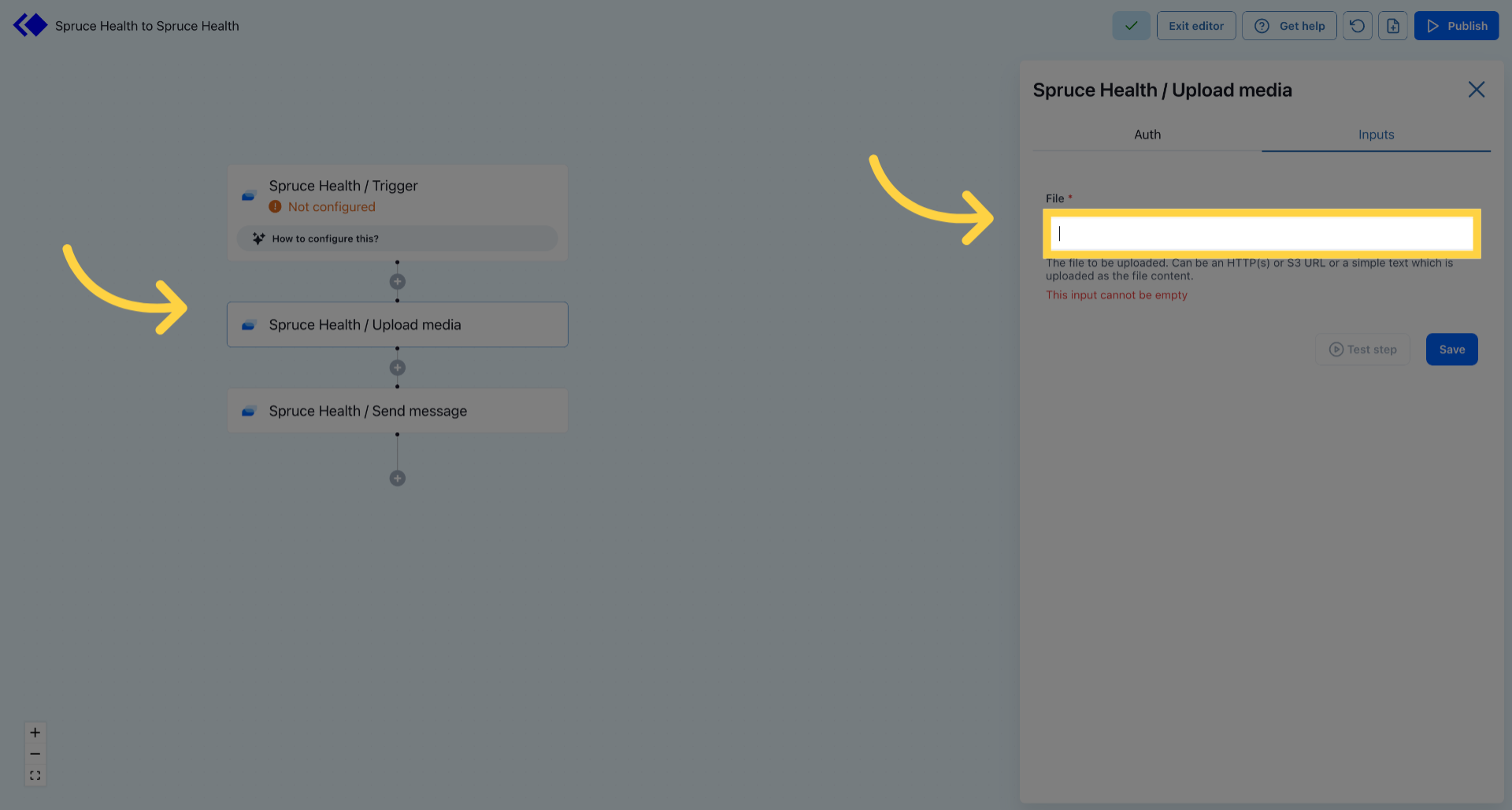
Use 'Upload media' 

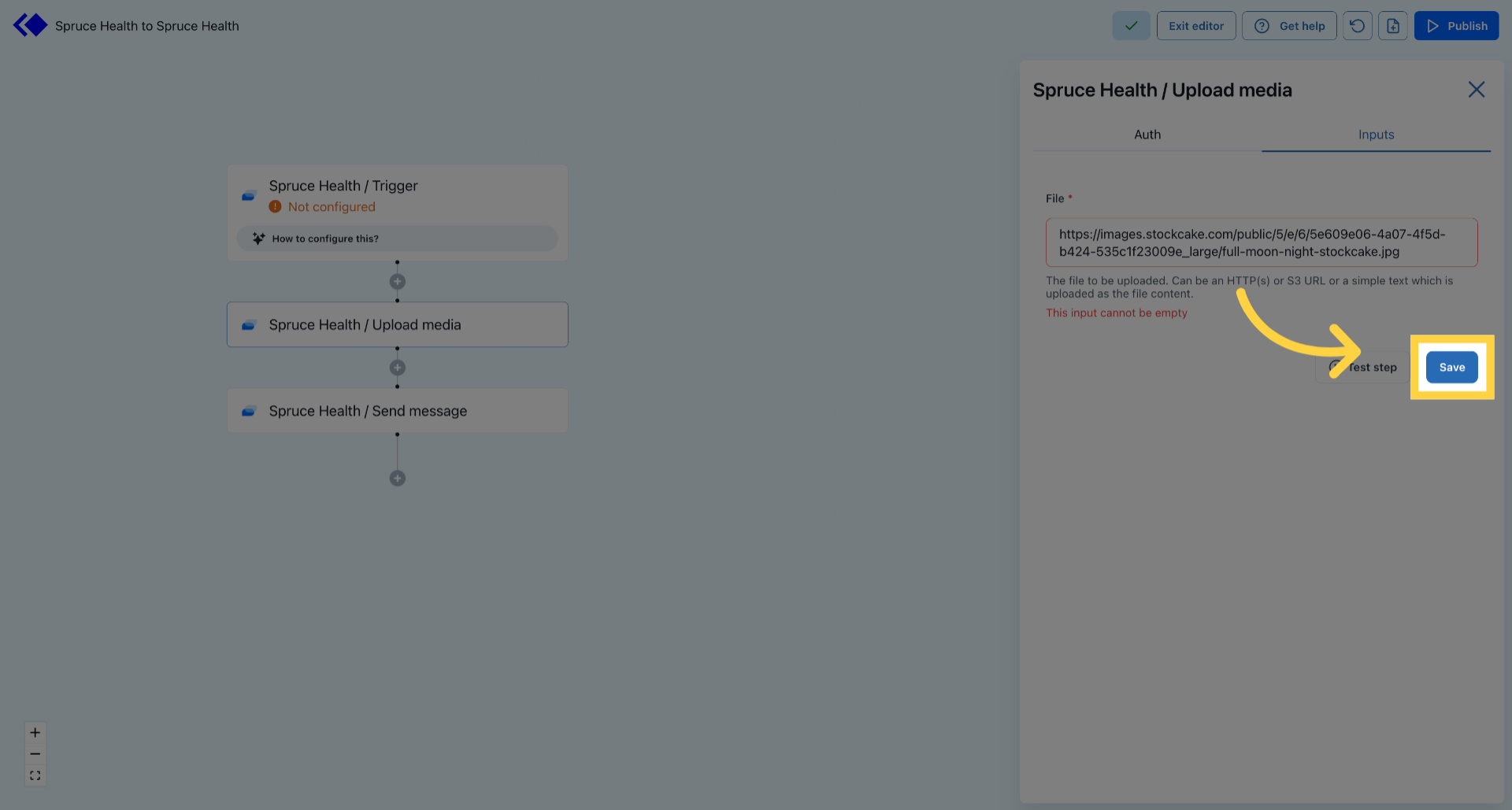
2. Save Current Settings

Save Current Settings 

3. Access Test Step
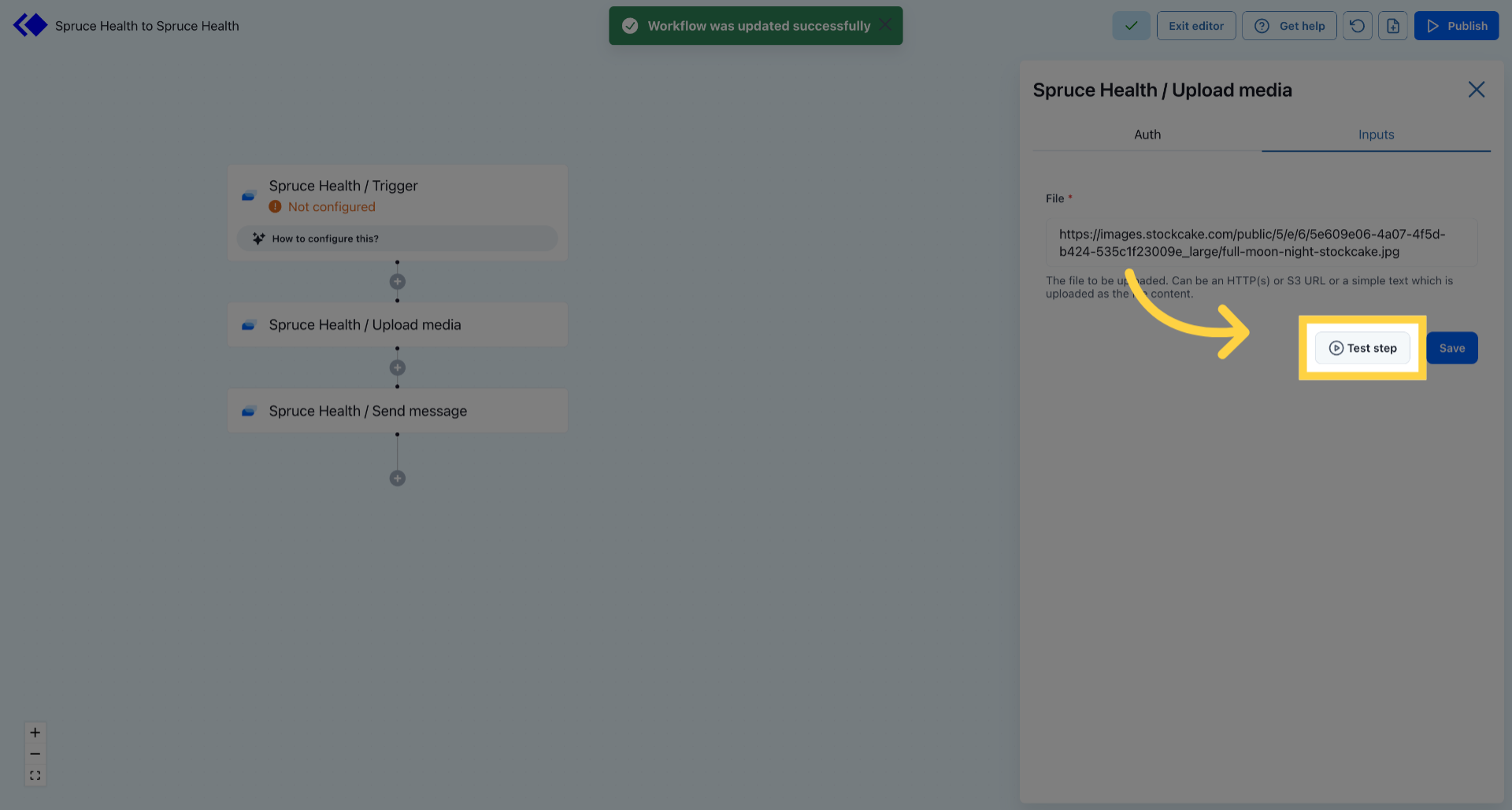
Access Test Step 

4. Choose Send Message Action
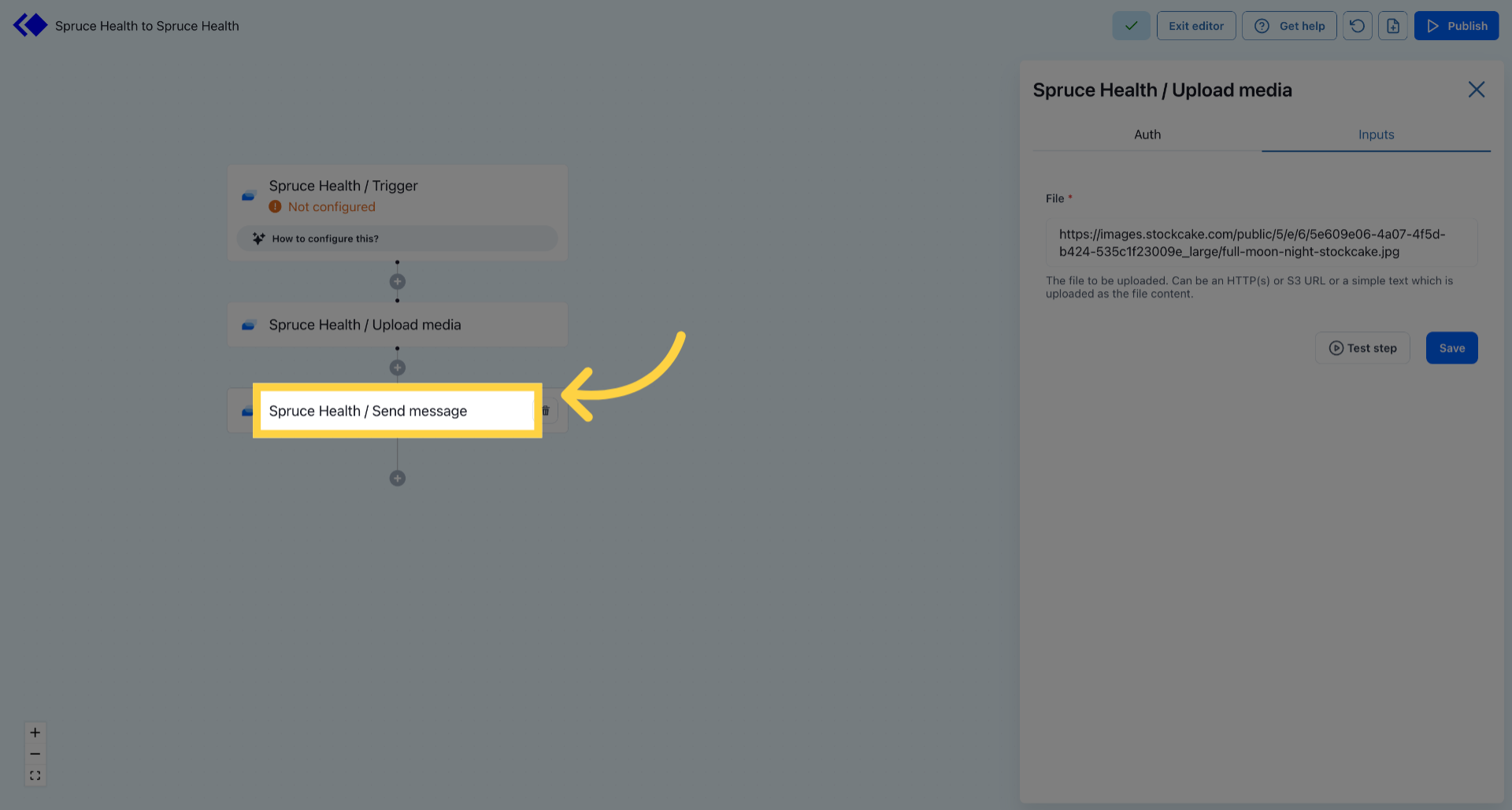
Choose Send Message Action 

5. Add File to Attachments
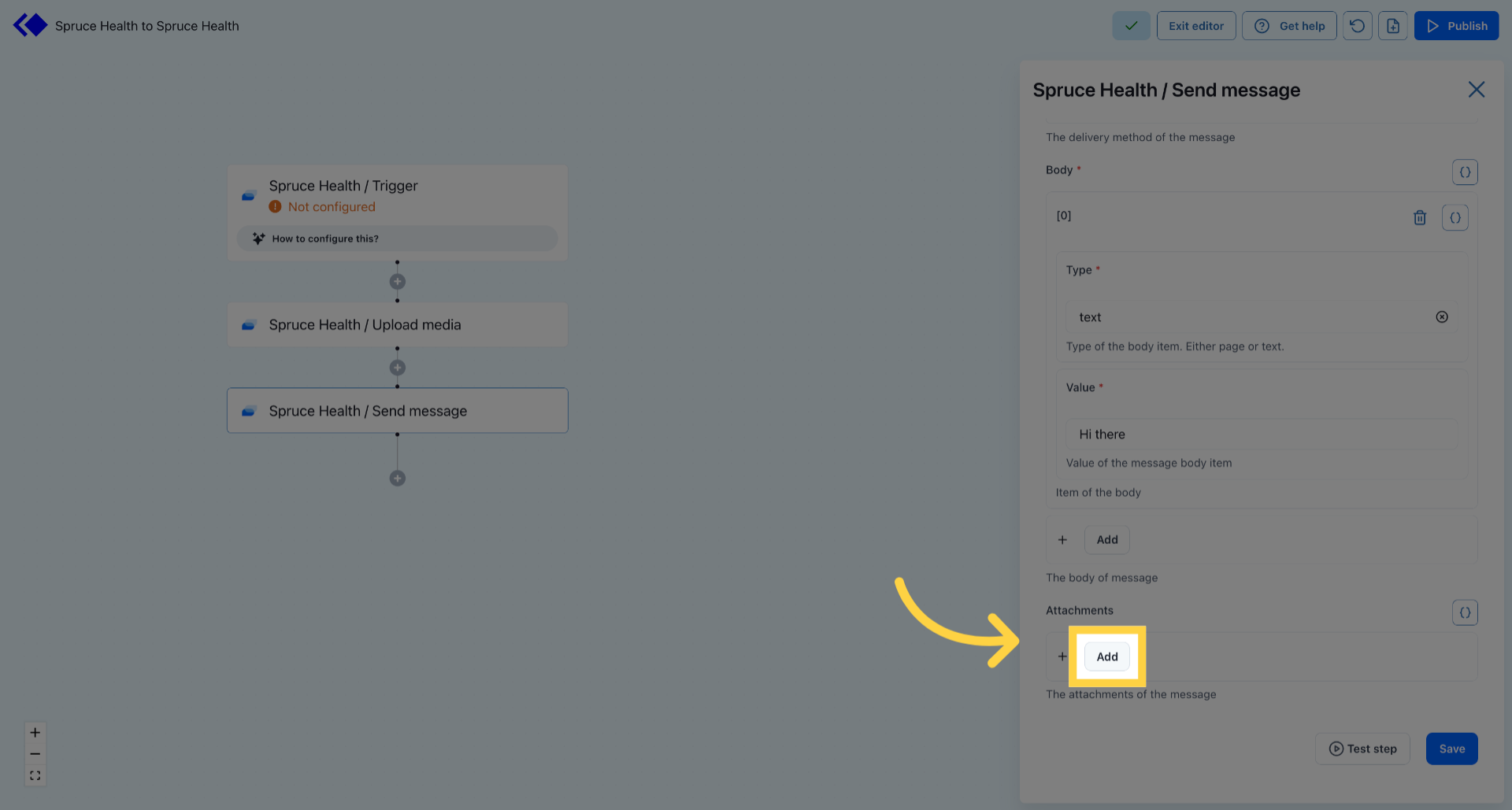
Add File to Attachments 

6. Open Initial Menu
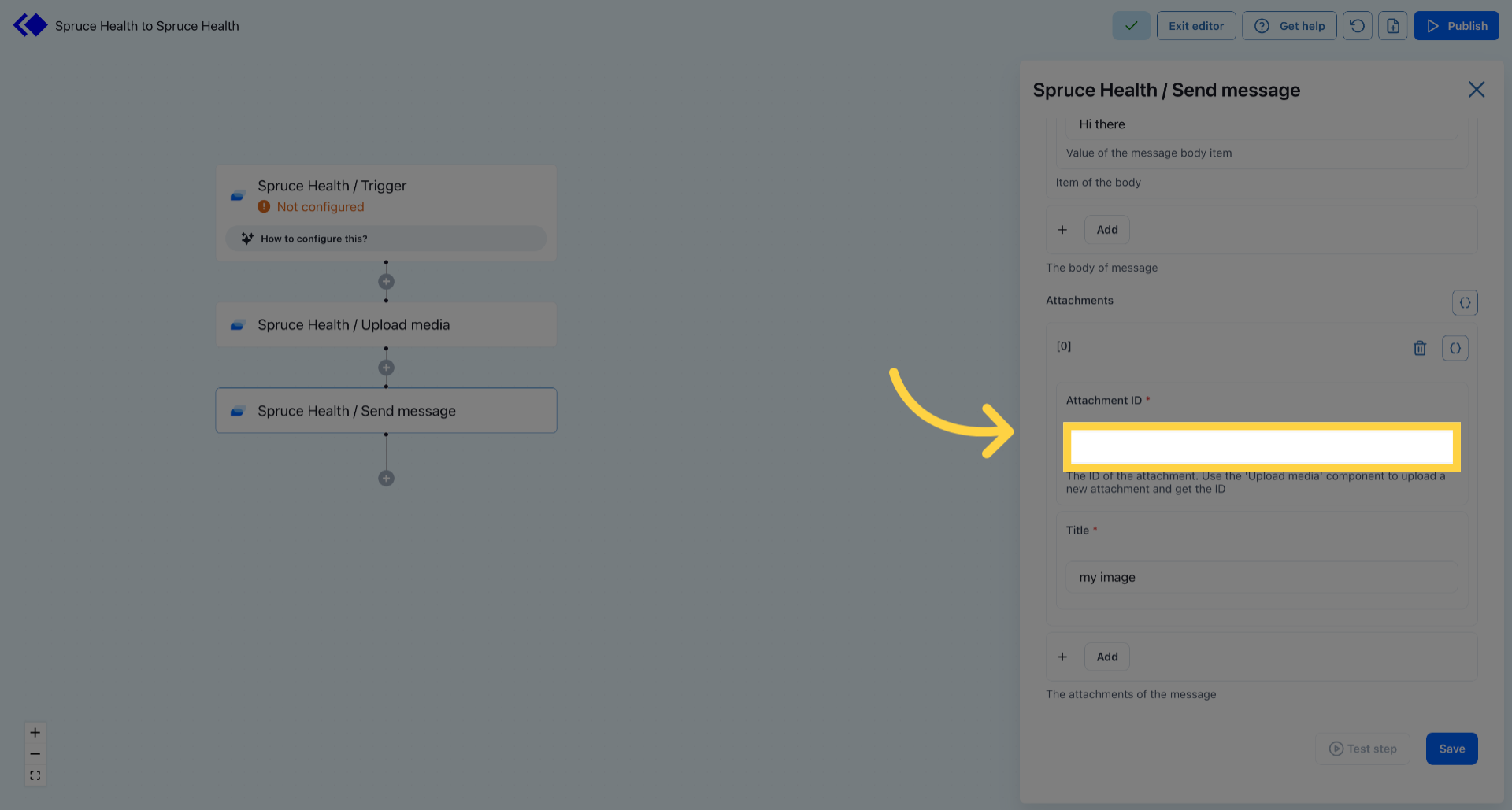
Open Initial Menu 

7. Access Selection Panel
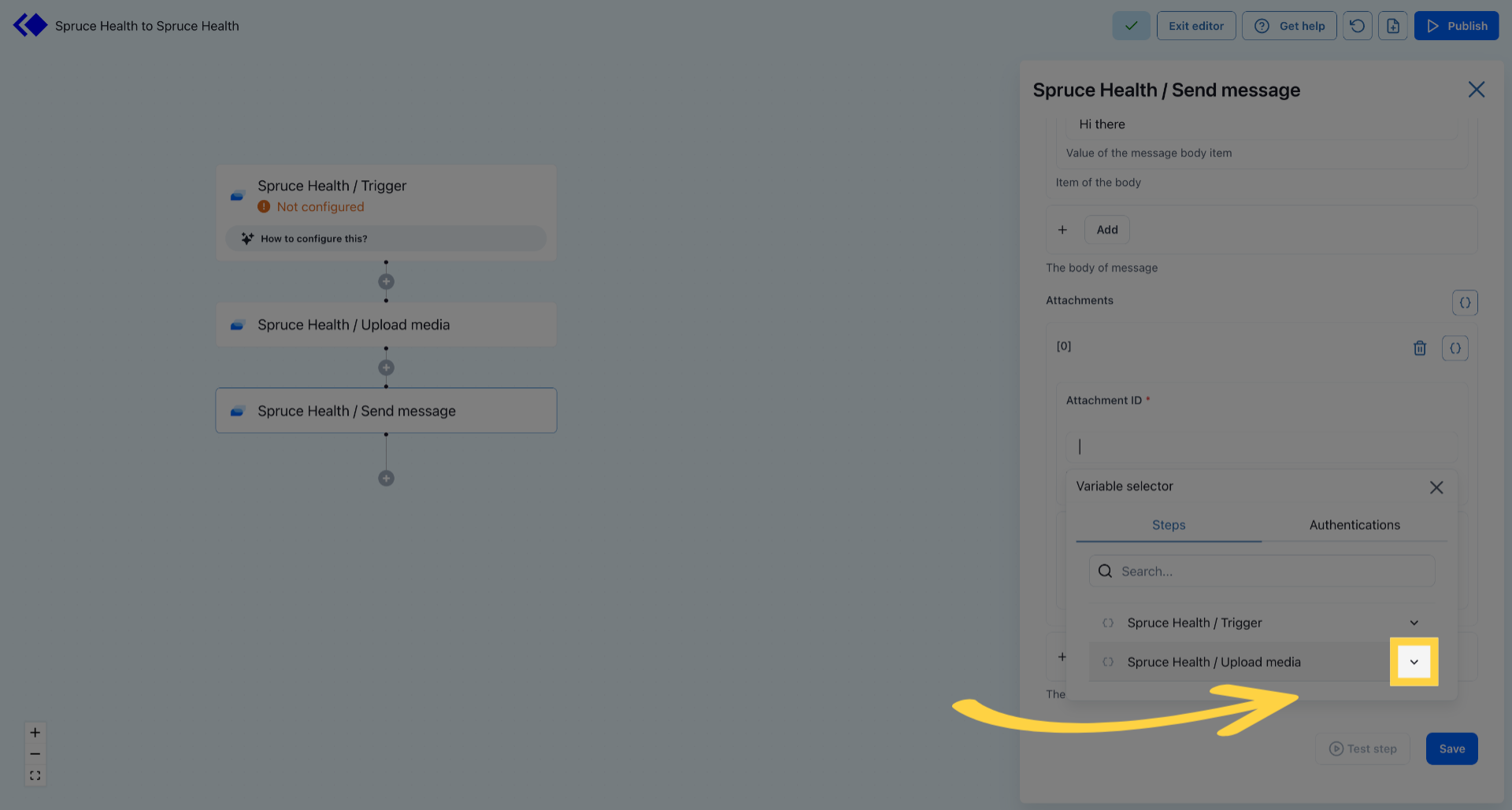
Access Selection Panel 

8. Select Desired Option
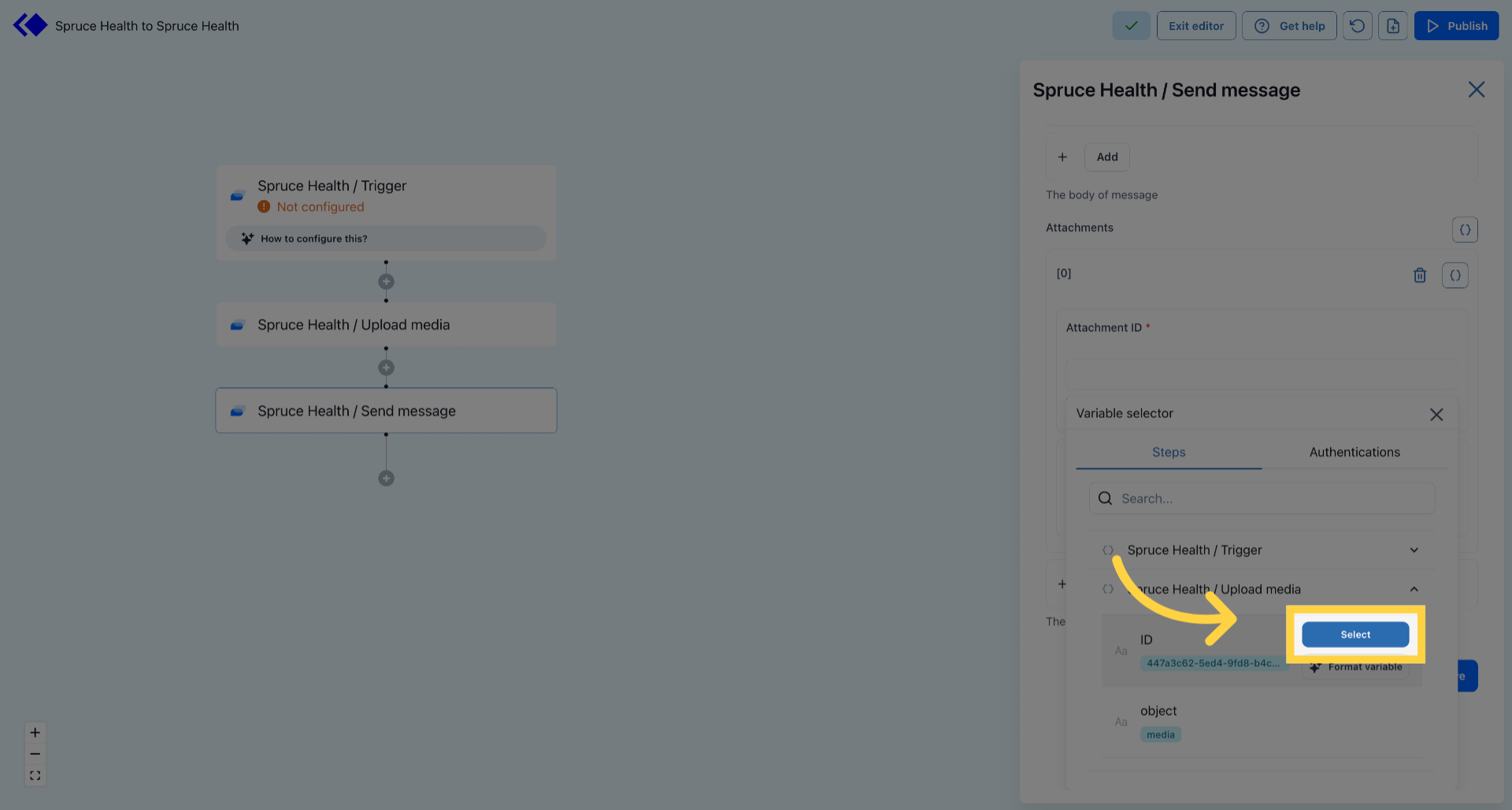
Select Desired Option 

9. Open Input Field
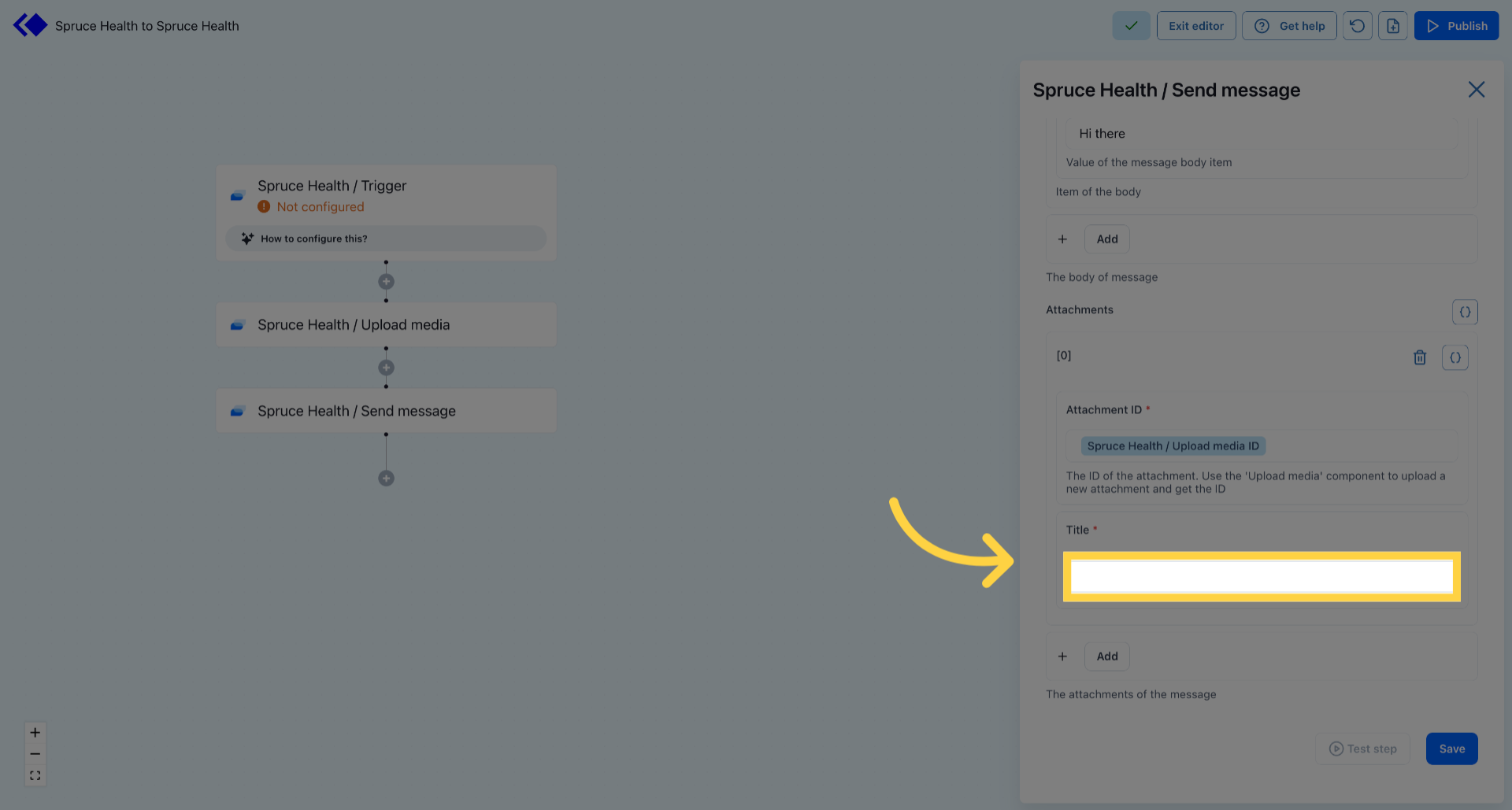
Open Input Field 

10. Save Attachment Settings
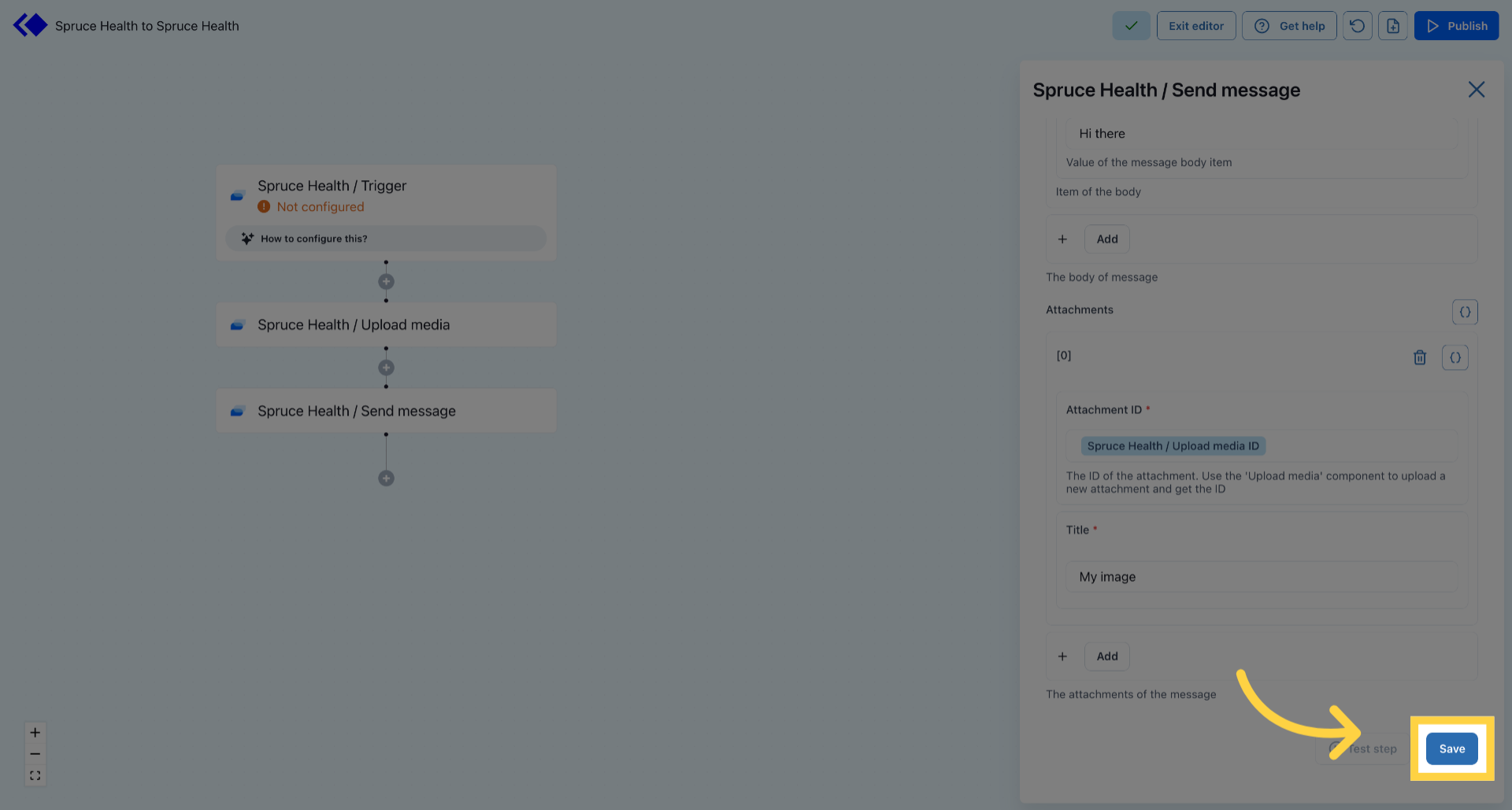
Save Attachment Settings 

11. Click Test Step
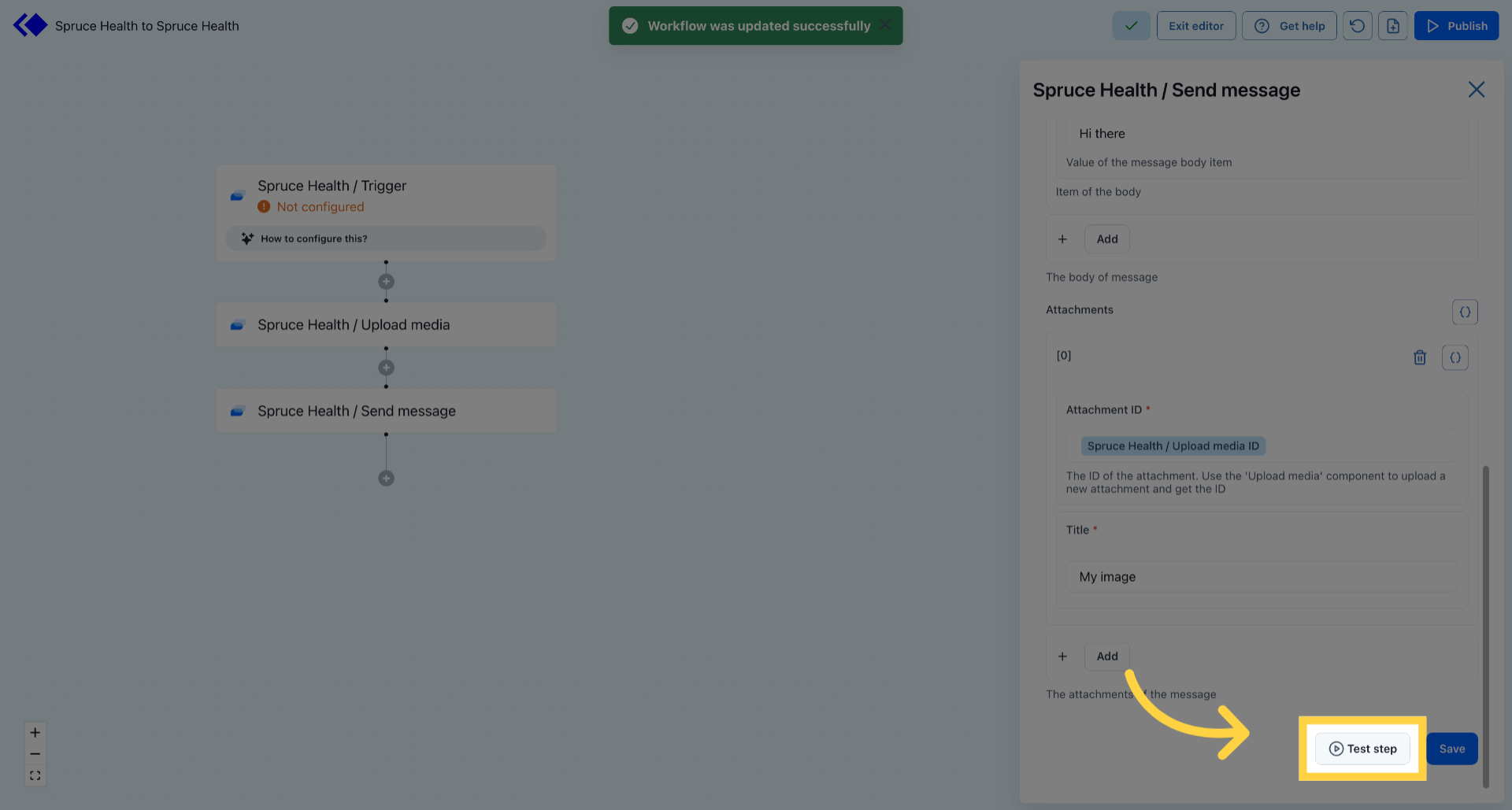
Click Test Step

Was this article helpful?
0 out of 0 found this helpful

Articles in this section