This tutorial guides you through setting up the Adobe PDF Services API and obtaining OAuth credentials.
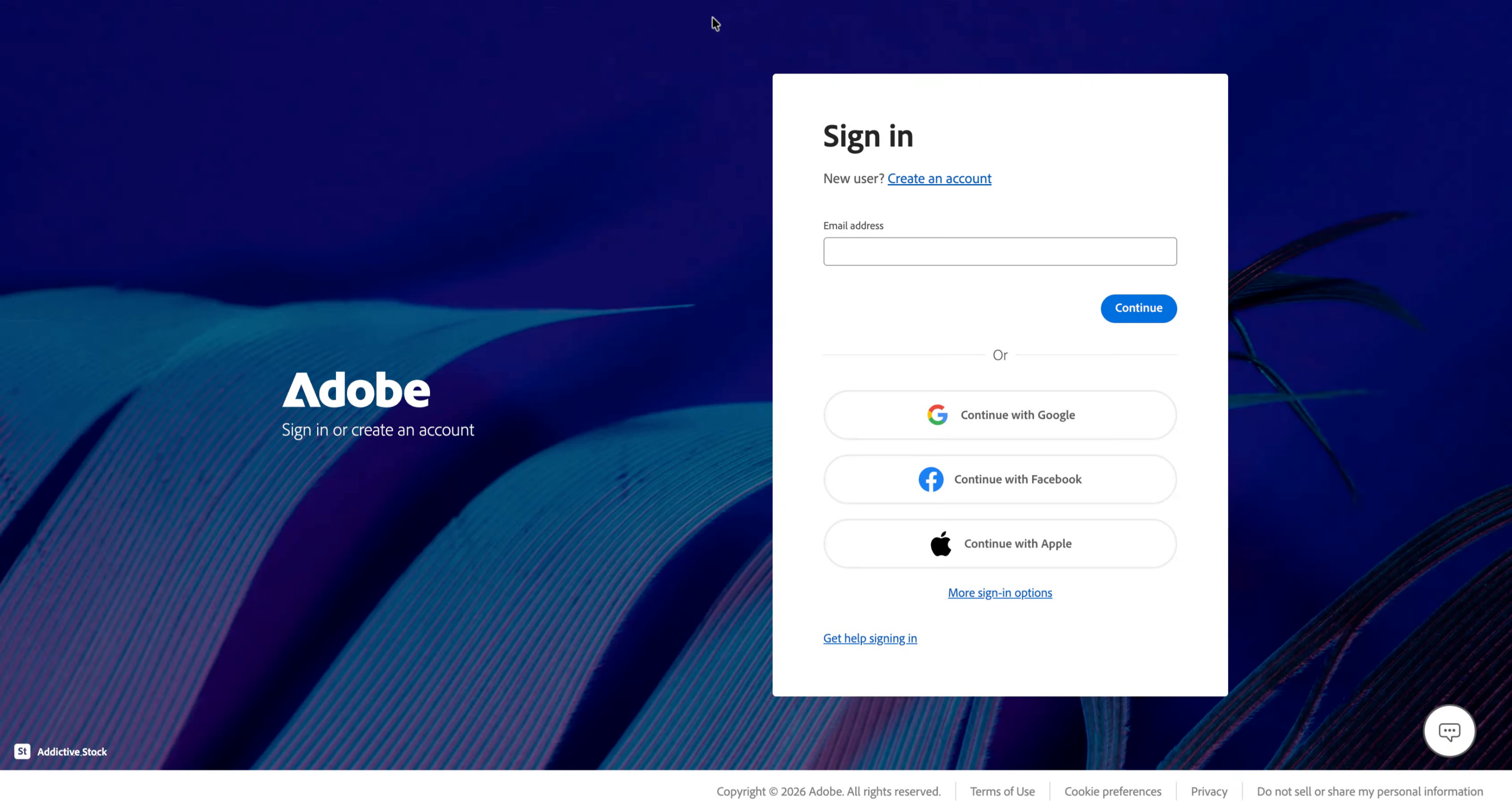
Go to auth.services.adobe.com
1. Introduction
Go to developer.adobe.com/console and sign in or register
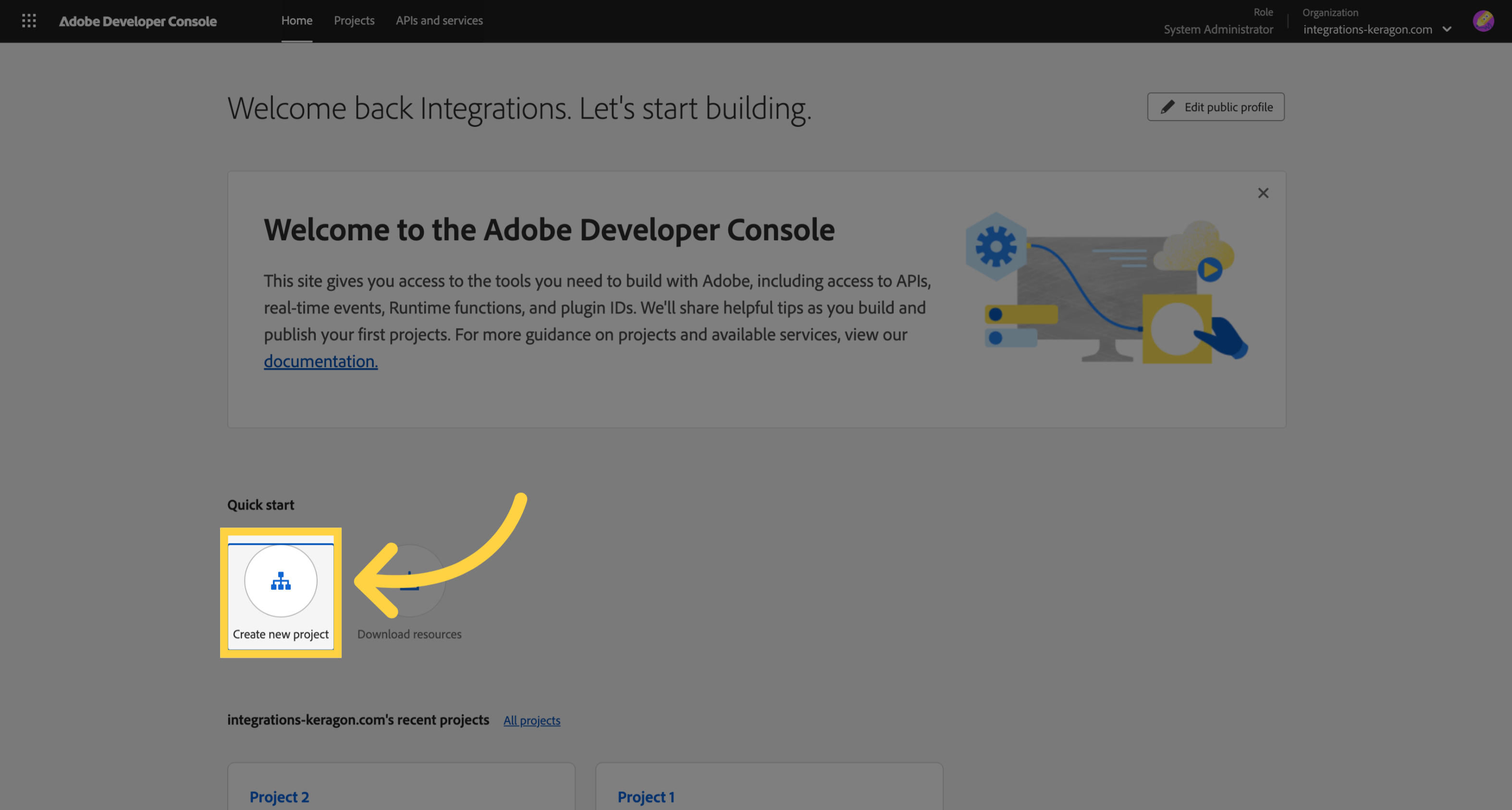
2. Access Fill Style Settings
Create a new project
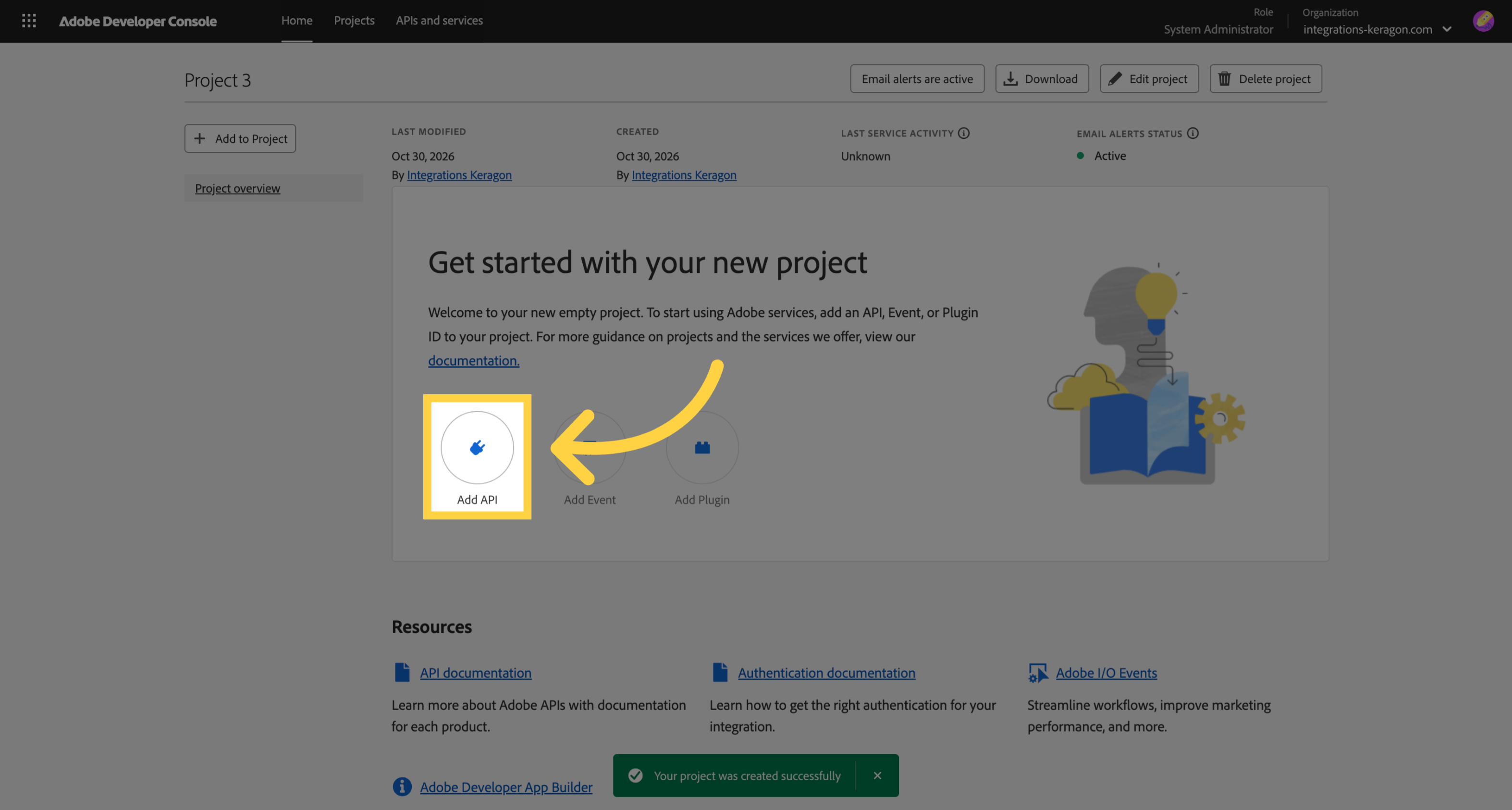
3. Add API
Add a new API
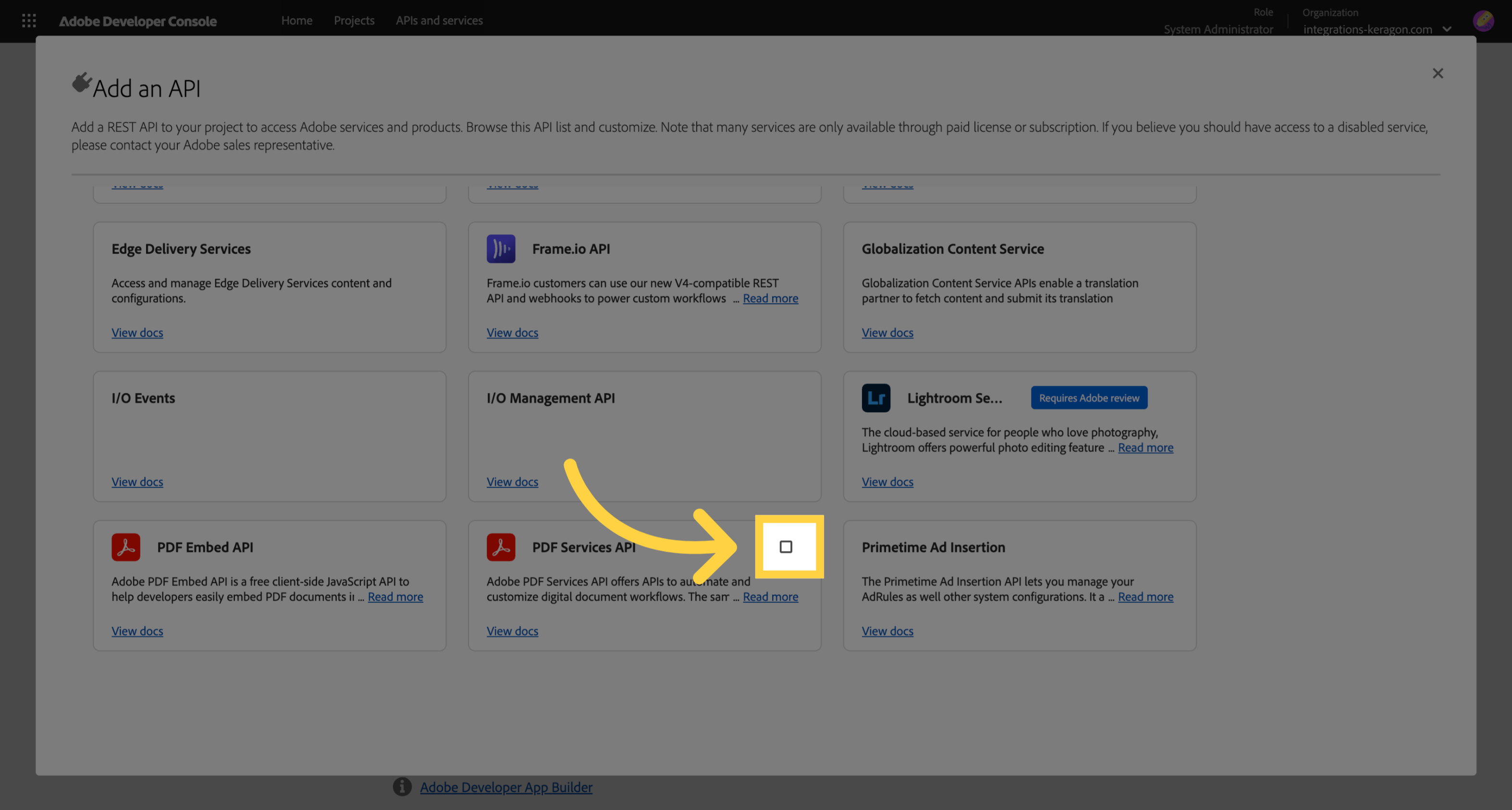
4. Select PDF Services API
Select the PDF Services API to proceed with its setup.
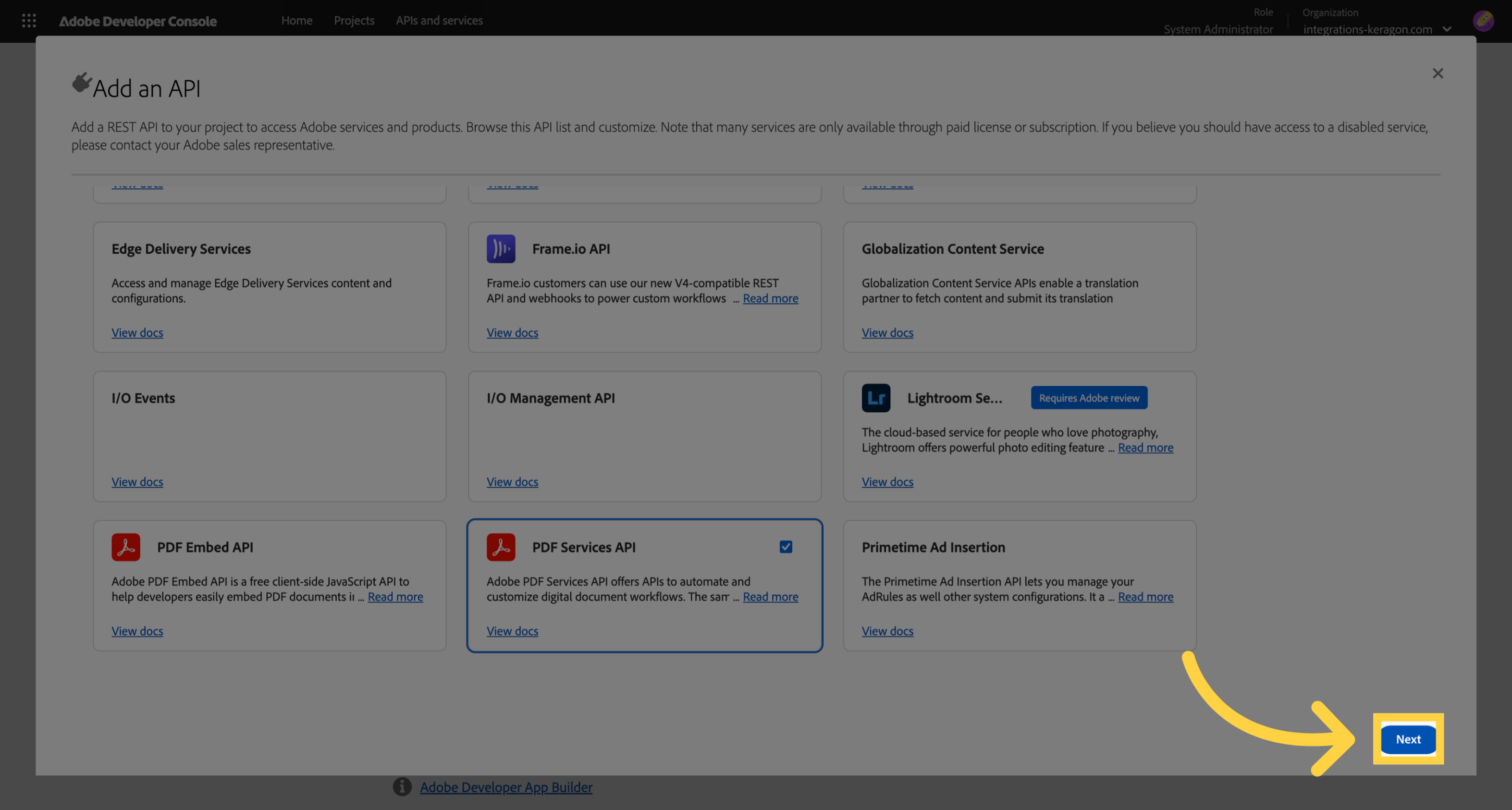
5. Proceed to Next Configuration Step
Click next
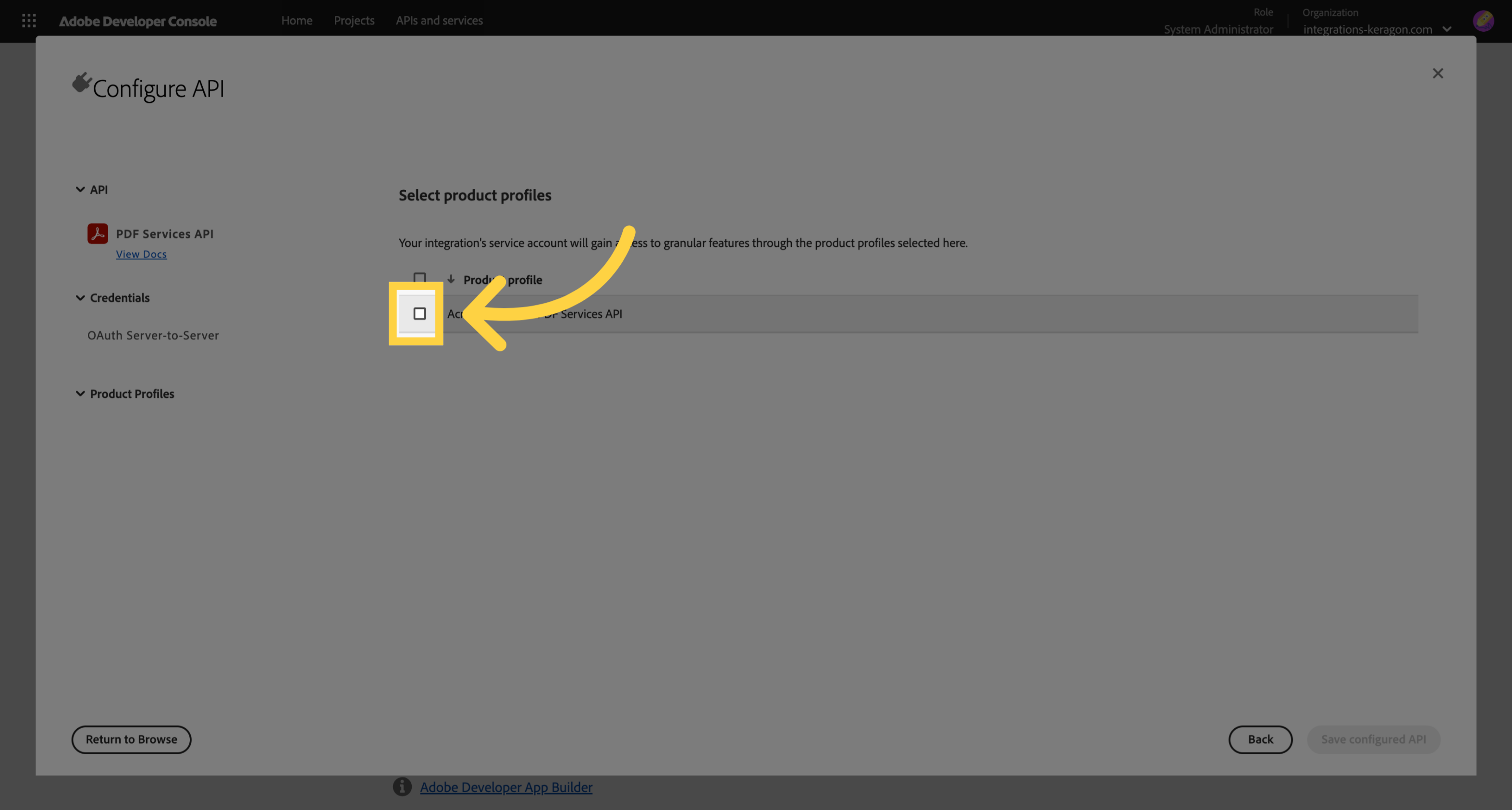
6. Agree to Terms
Check the box to accept the terms and conditions required for API usage.
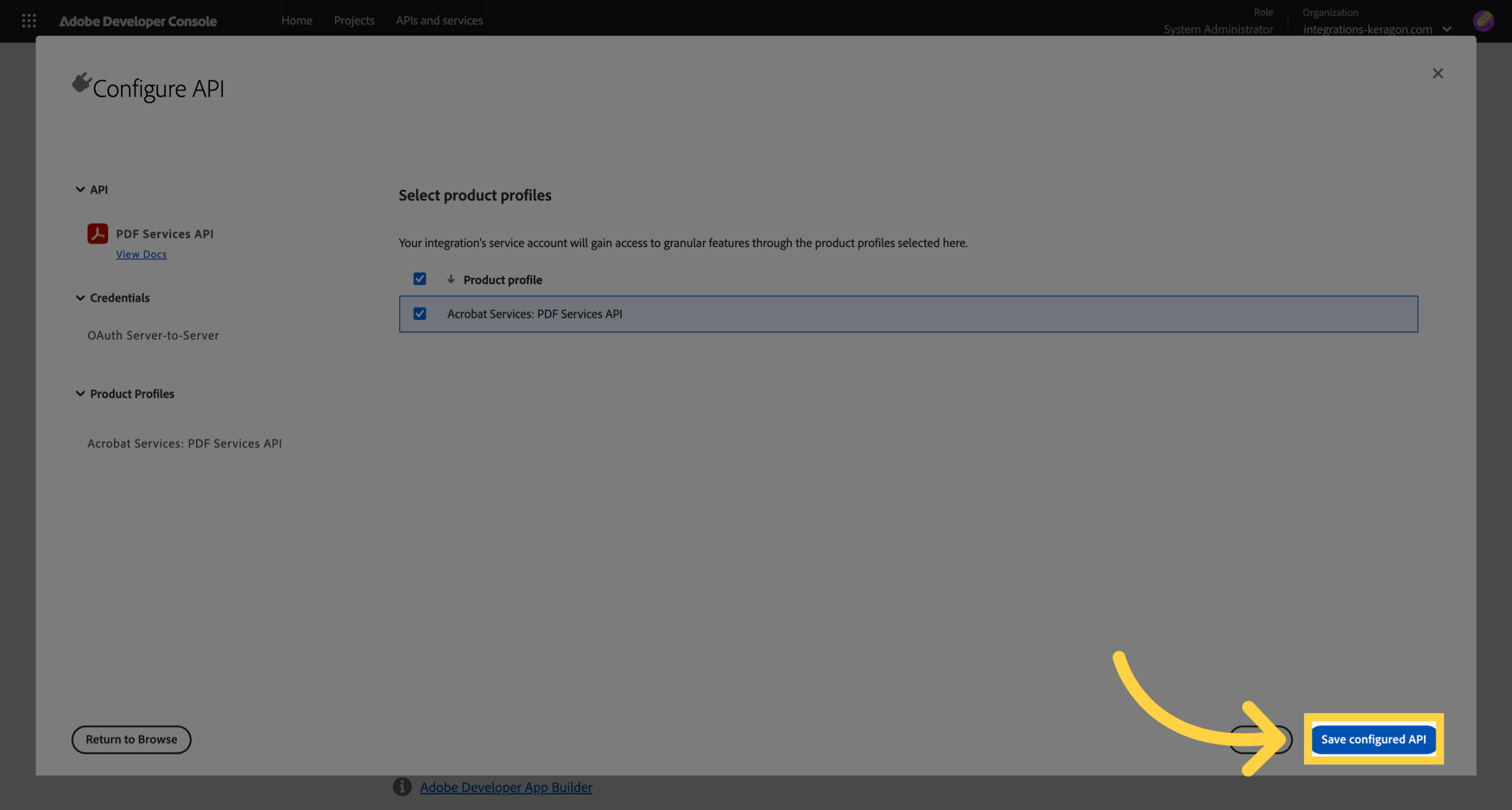
7. Save API Configuration
Save your configured API settings.
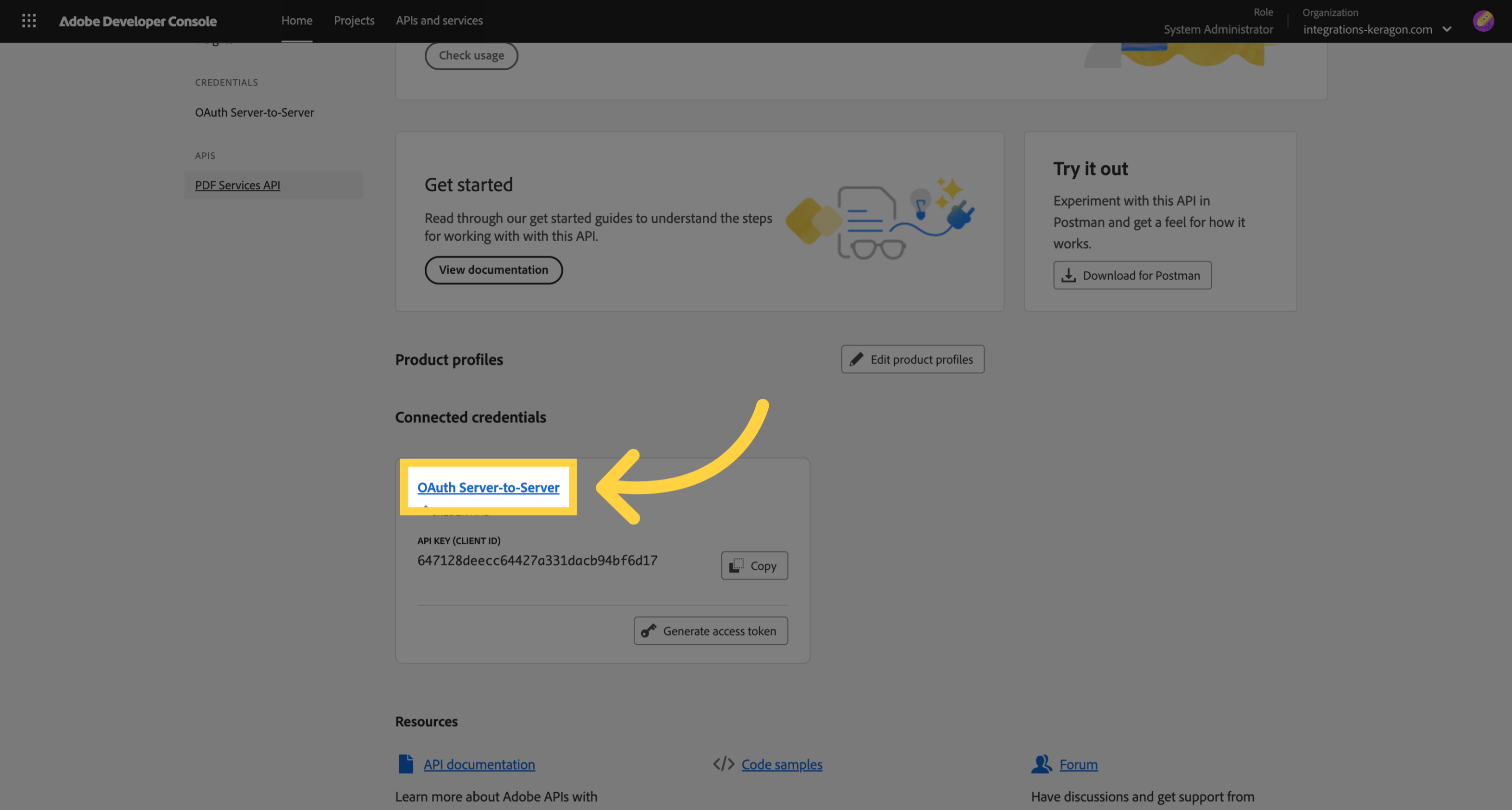
8. Access OAuth Server Settings
Navigate to the OAuth Server-to-Server settings
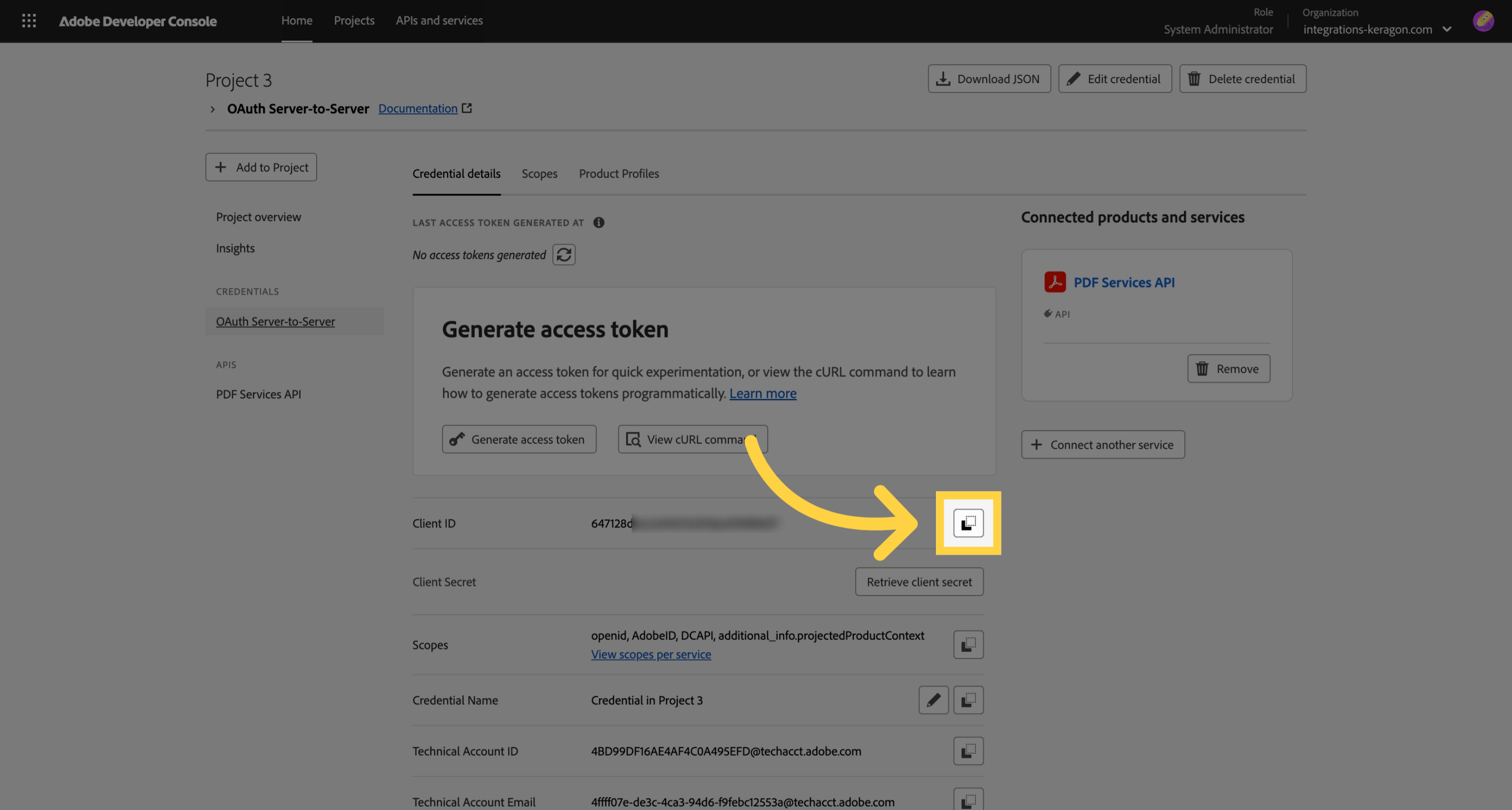
9. Copy Client ID
Copy the client ID
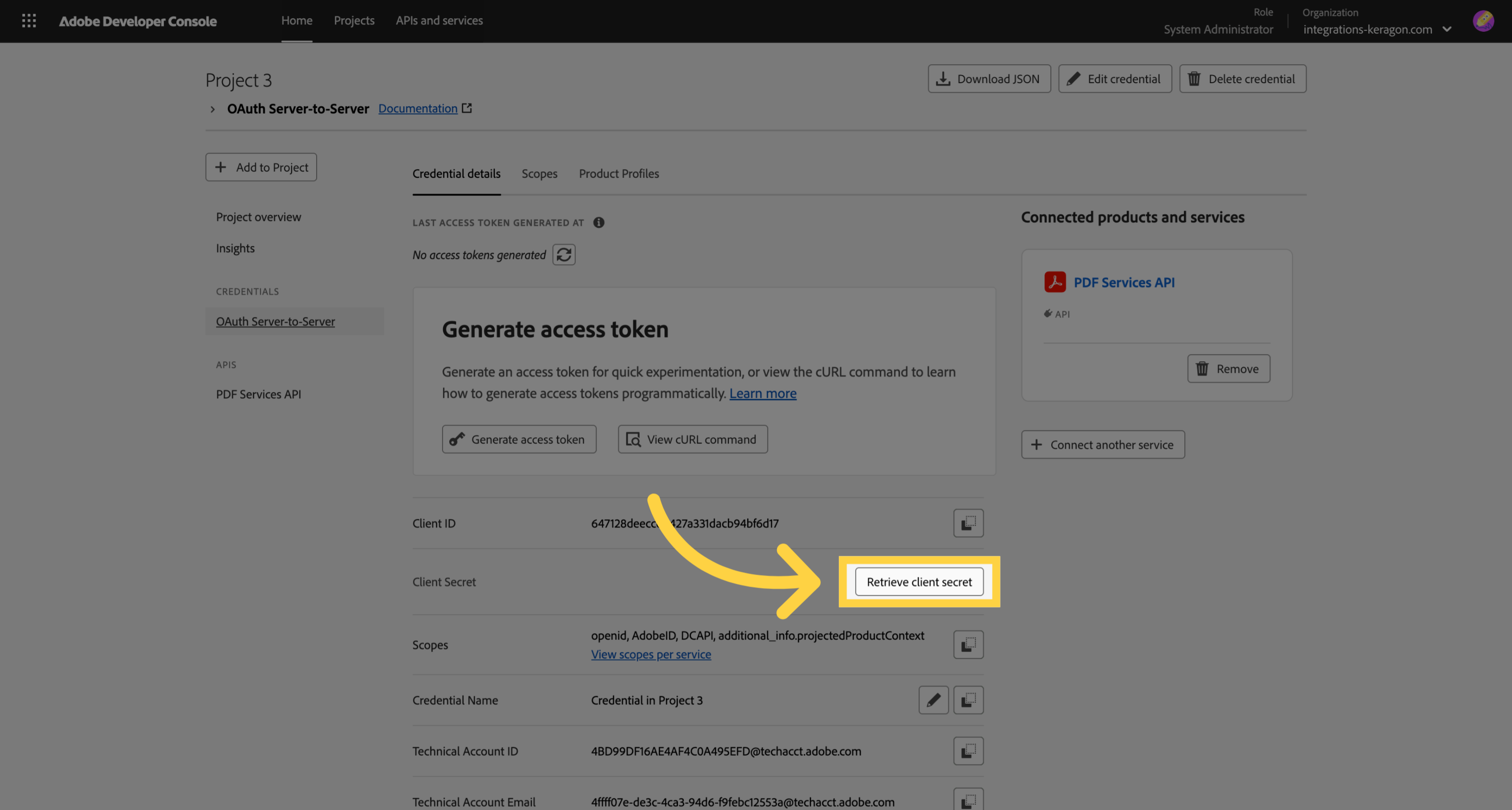
10. Retrieve Client Secret
Click retrieve
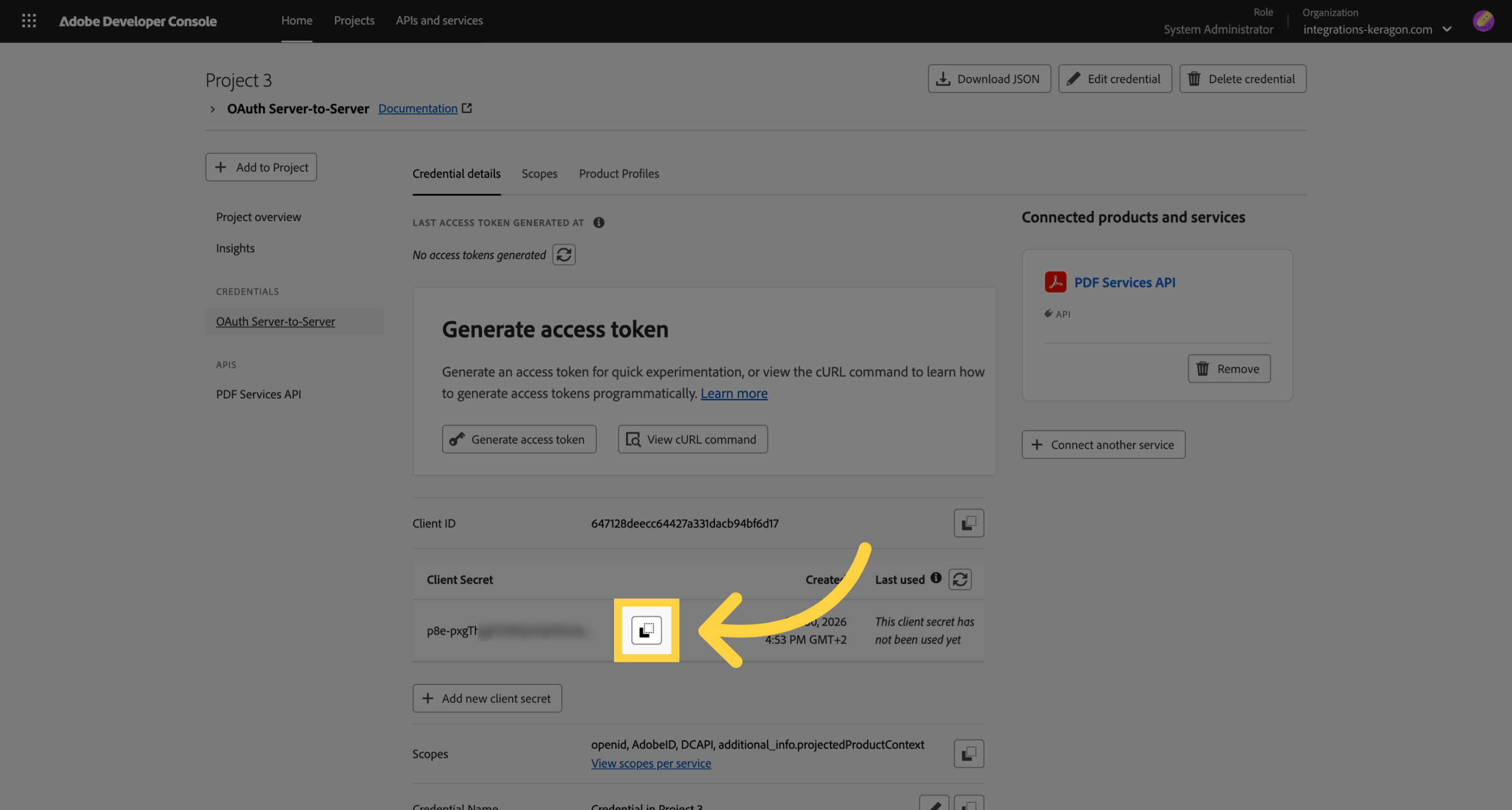
11. Copy Client Secret
Copy the client secret