This tutorial explains how to create a webhook in Hive.
Go to app.hive.com
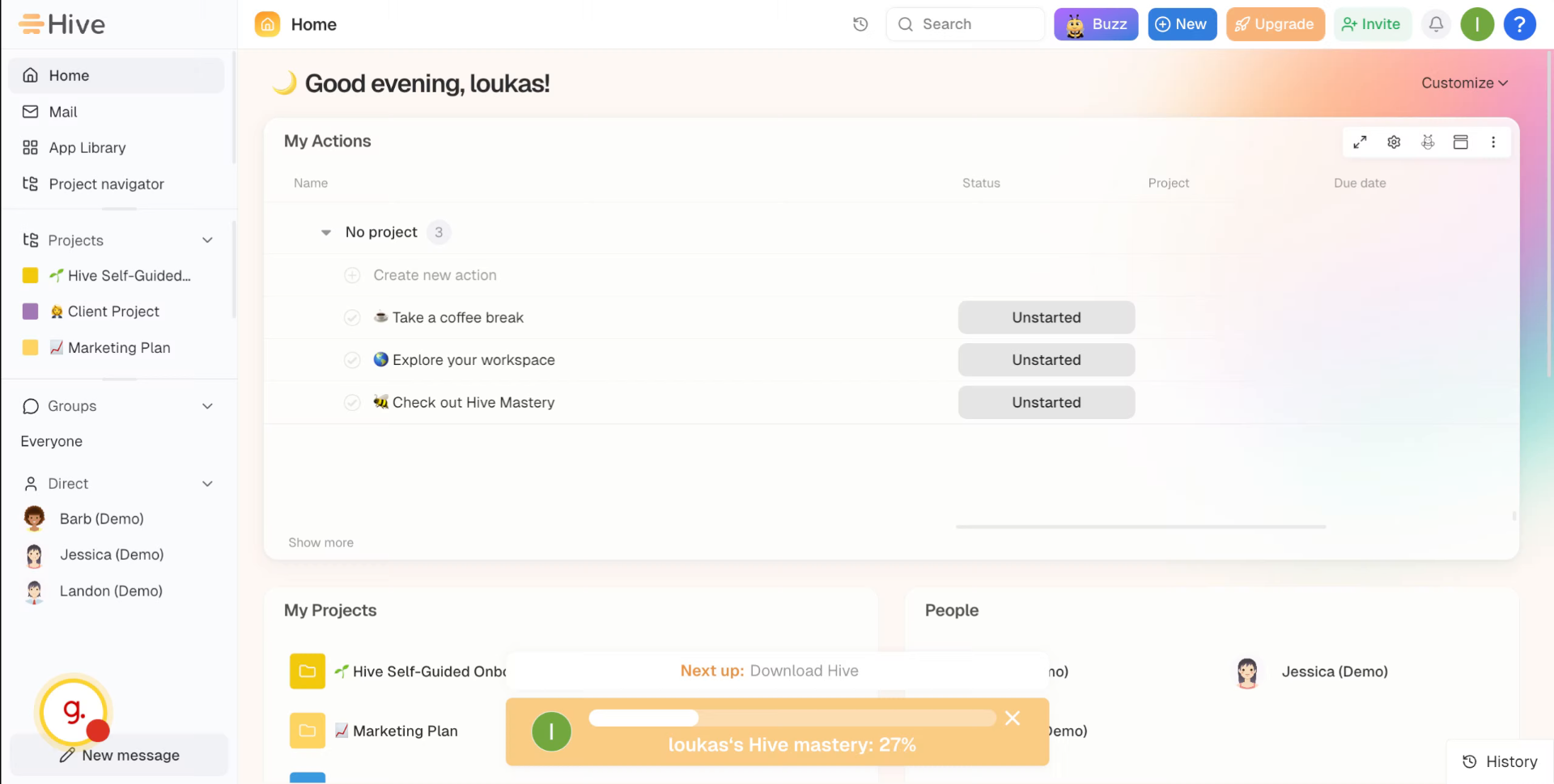
1. Open Hive Settings
In the top right, click on your profile and then go to settings.
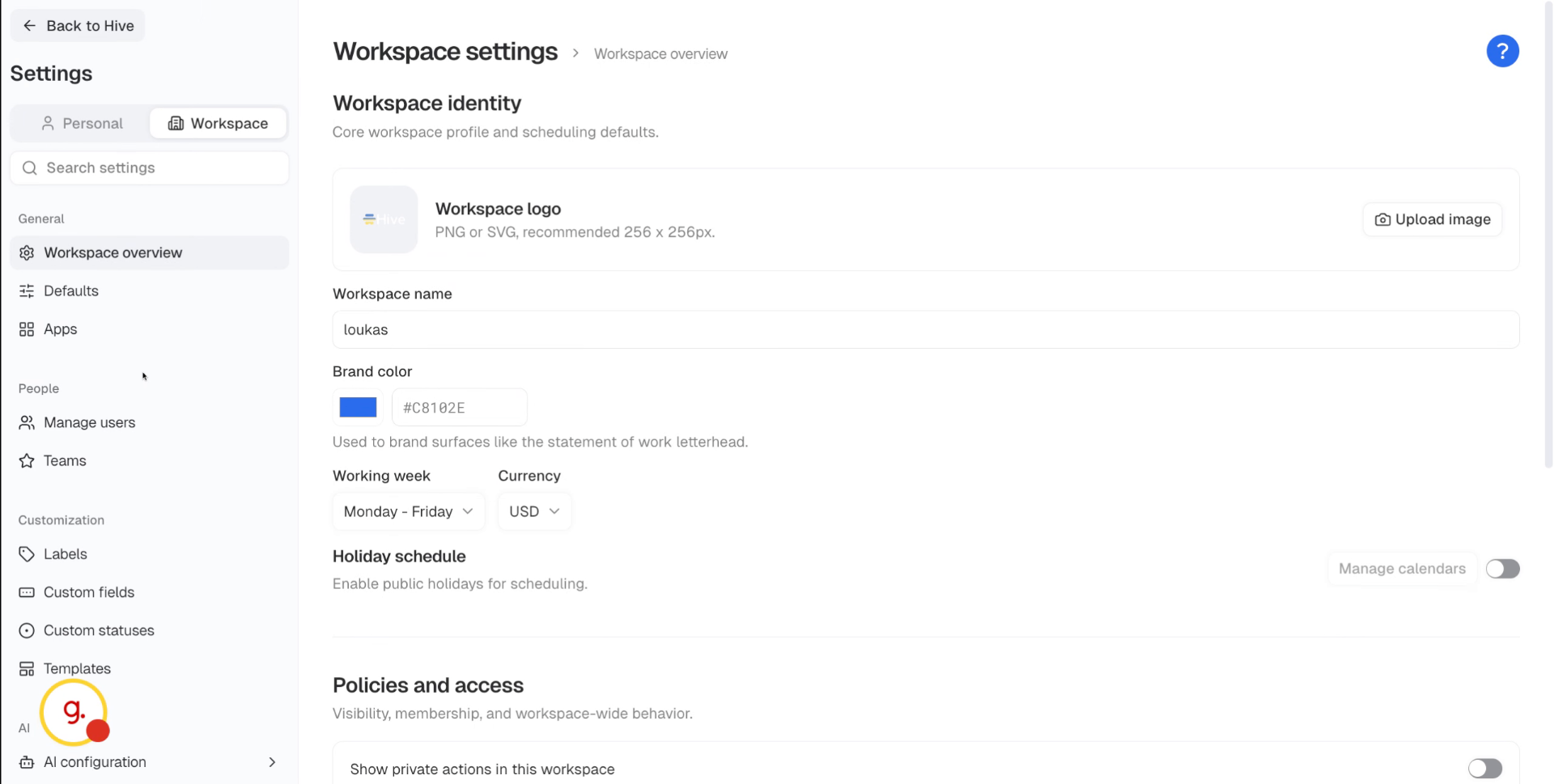
2. Access Webhook Settings
In the left sidebar, scroll down and go to webhooks. Create a new webhook and give it a name, such as Slack notifications.
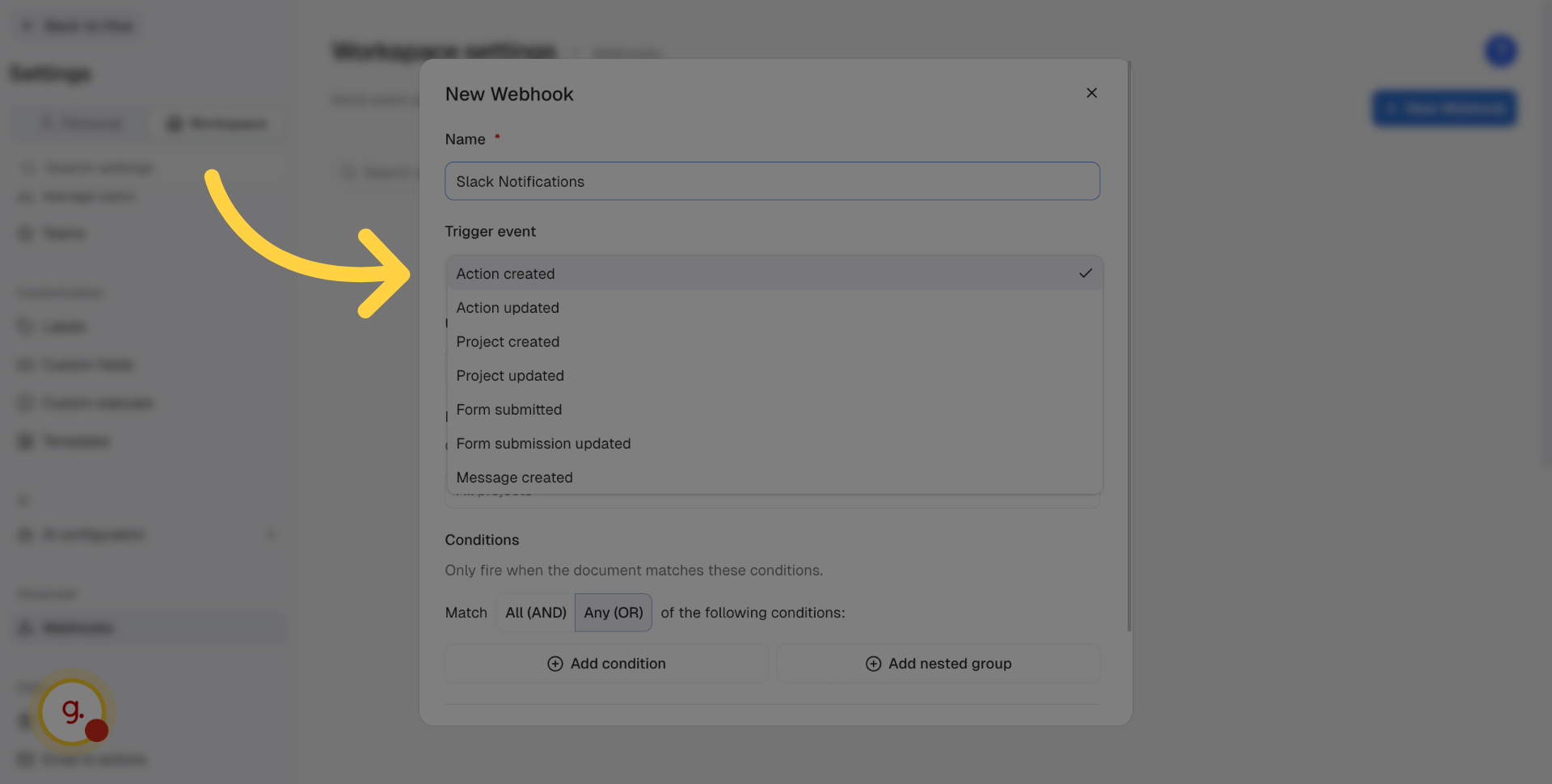
3. Select Action Created Trigger
Select the trigger event for your webhook.
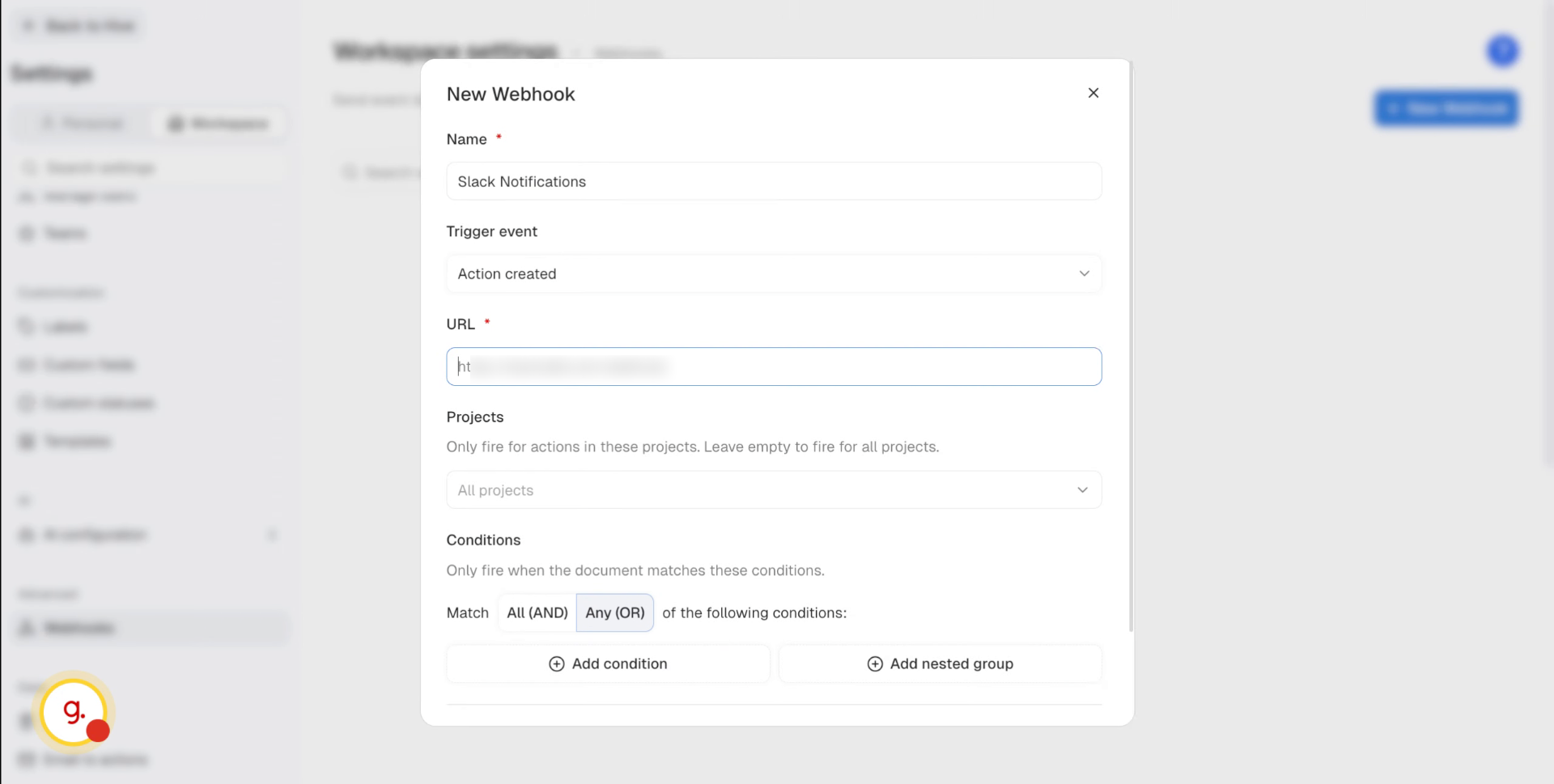
4. Enter Webhook URL
Add the generated Keragon webhook URL.
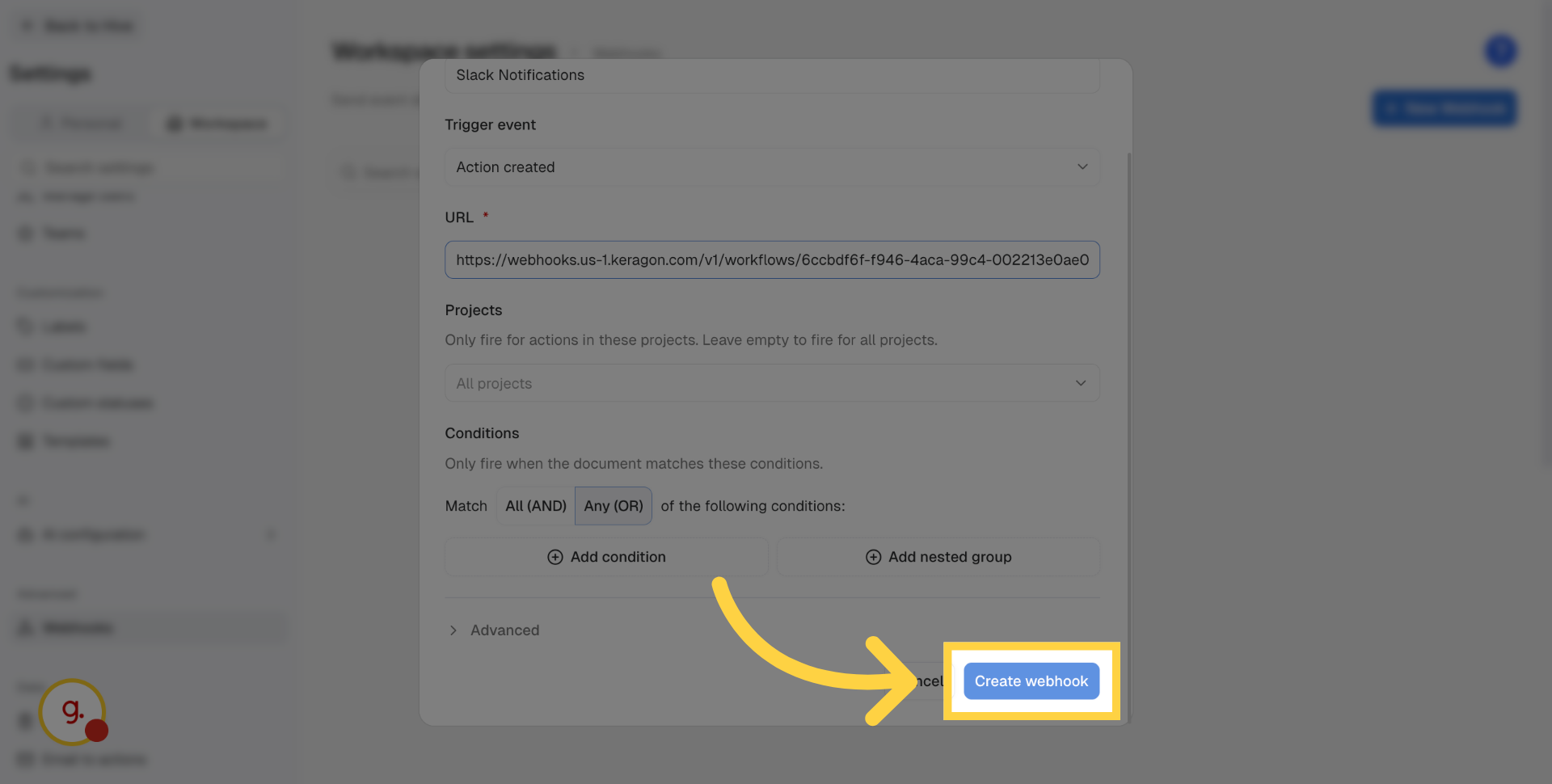
5. Create The Webhook
Click Create webhook to finalize the webhook setup process.
This tutorial guides you through creating a webhook in Hive.