This article explains how to connect your QuickBooks account using the Keragon dashboard.
Go to app.keragon.com
1. Introduction
You will learn the steps to link your account securely and access QuickBooks features within Keragon.
2. Access Keragon Dashboard
Click here to access the Keragon dashboard, where you can manage your integrations and accounts.
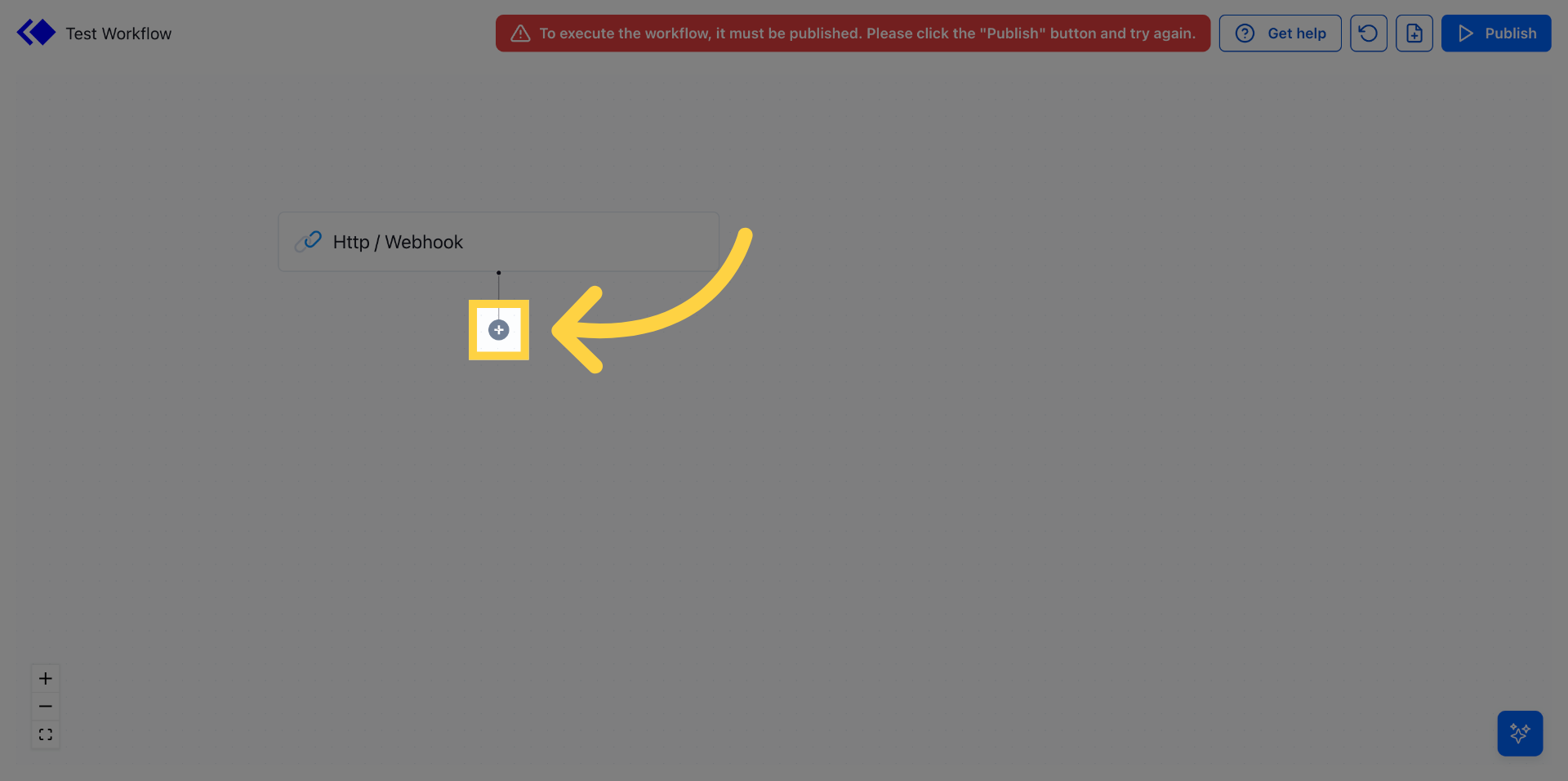
3. Open Search Function
Click "Search" to begin finding the QuickBooks integration within the dashboard.
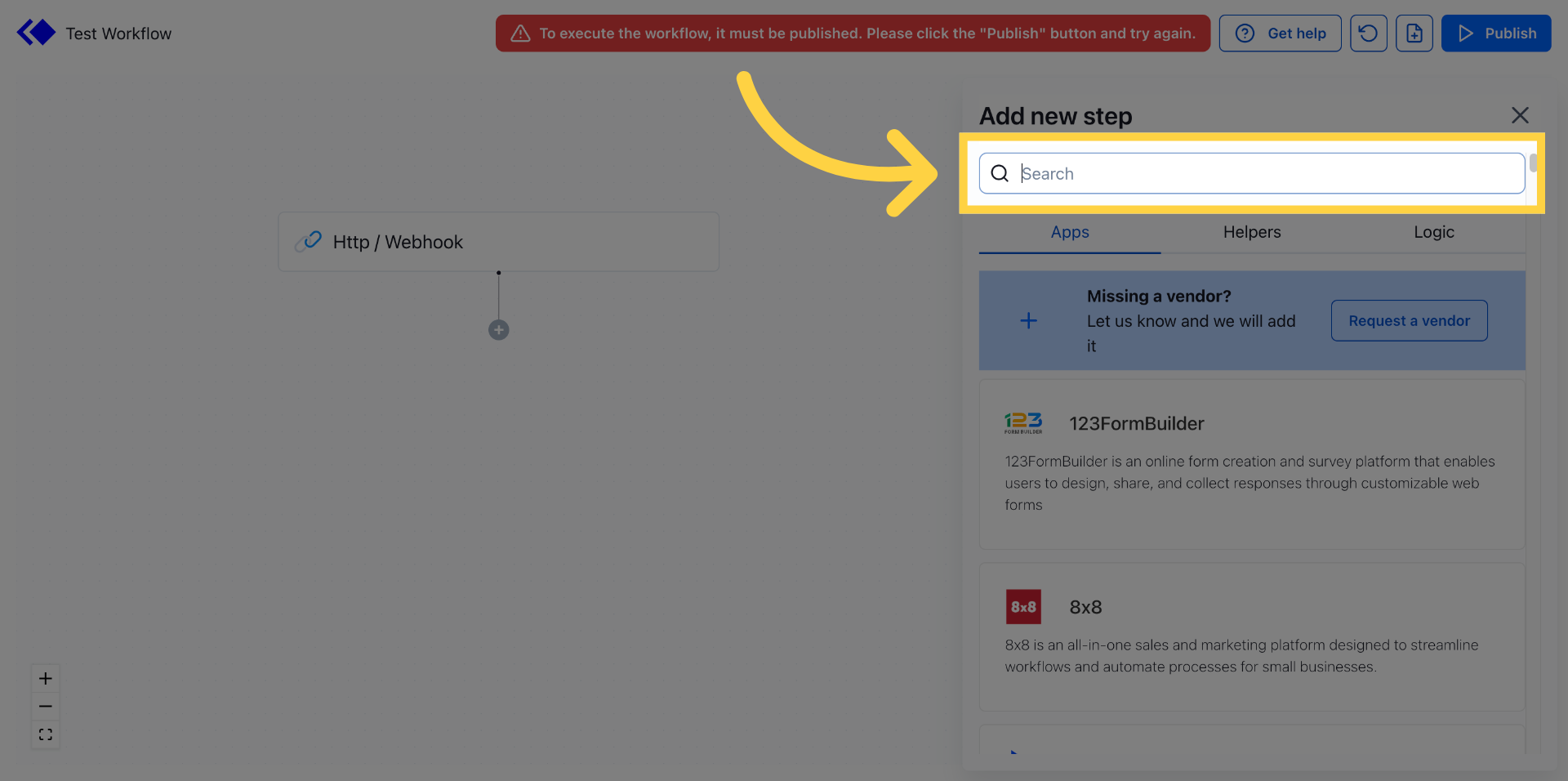
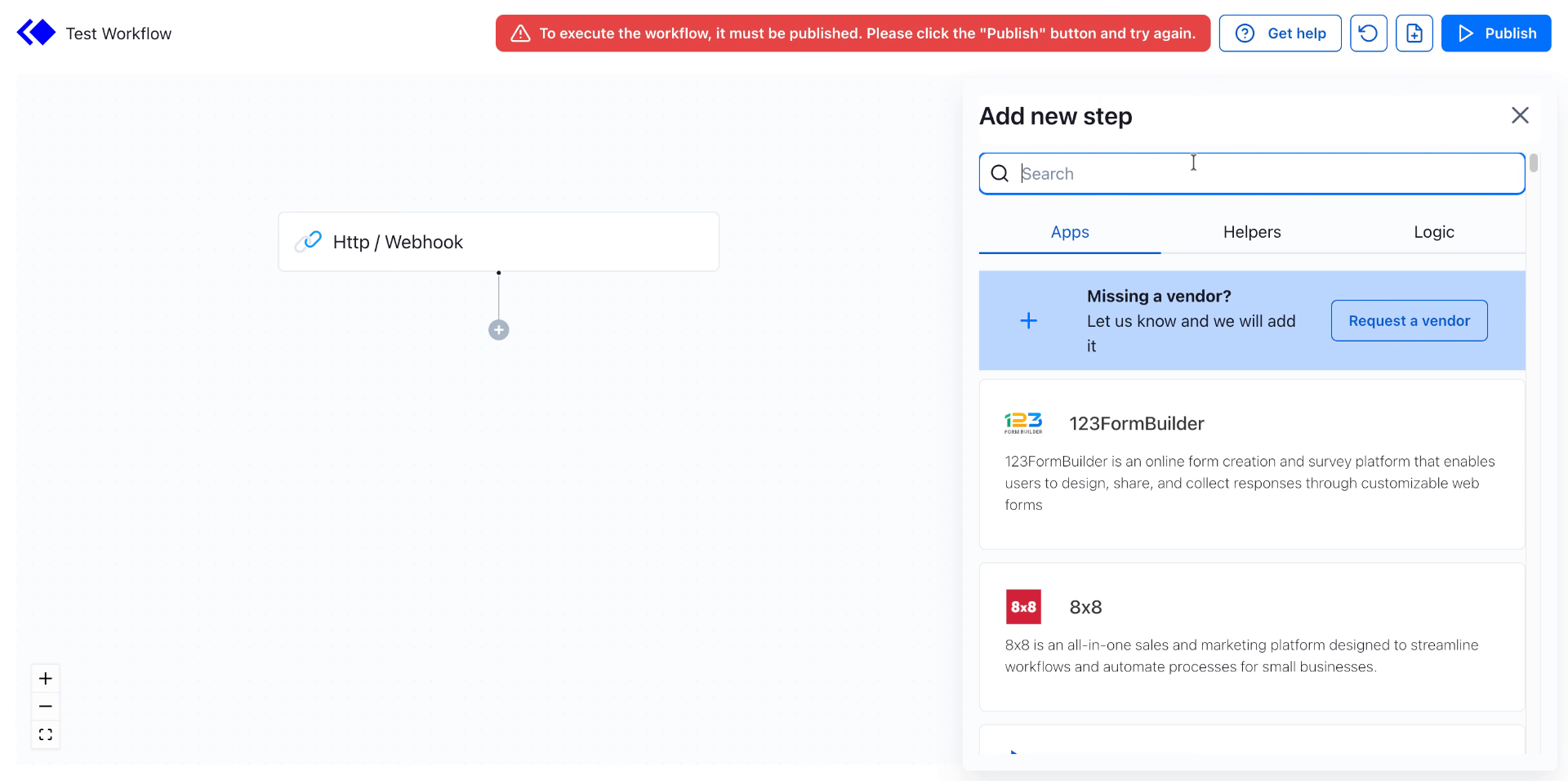
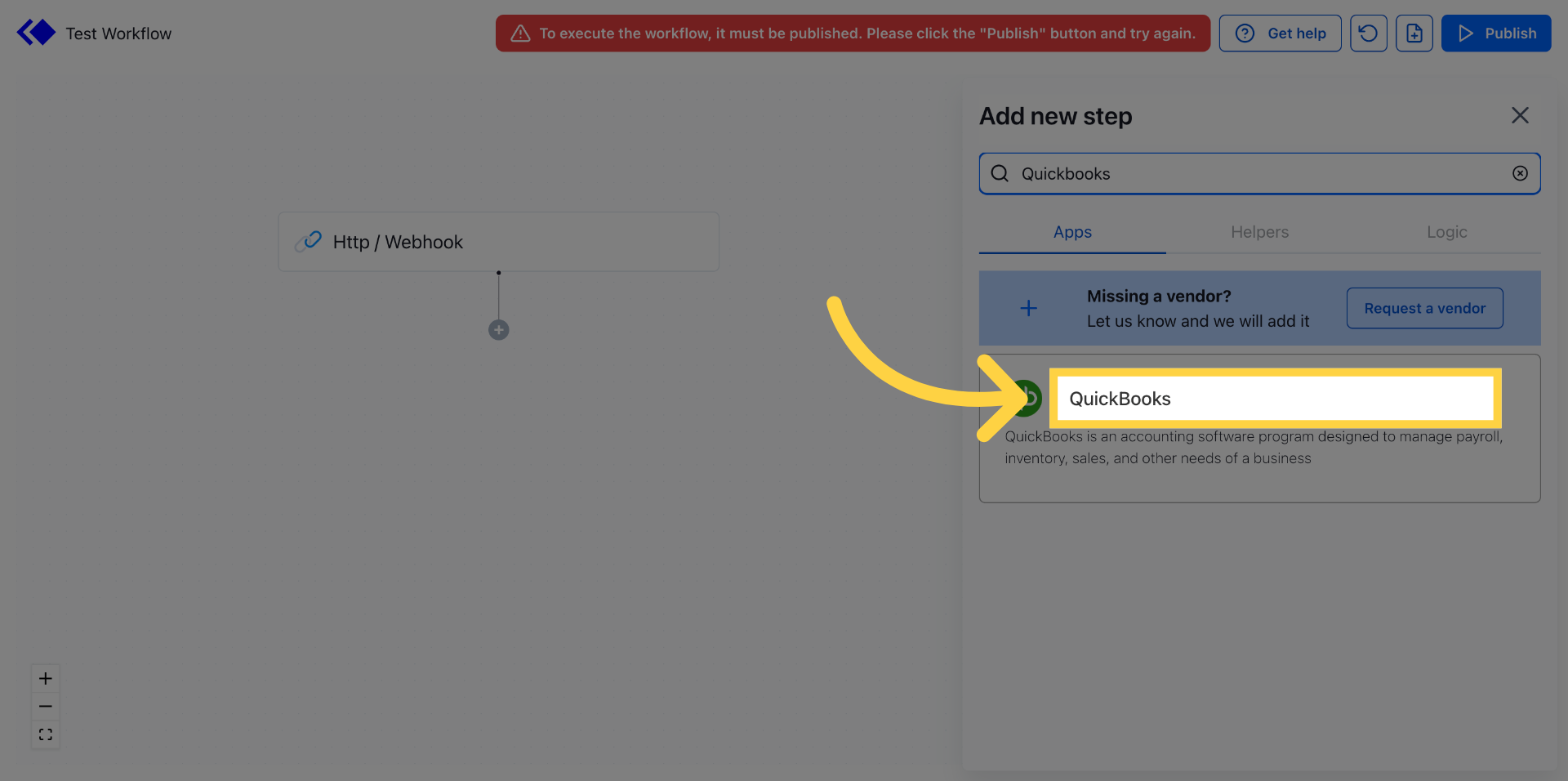
4. Enter QuickBooks Keyword
Fill "Quickbooks" in the search field to locate the QuickBooks integration option.
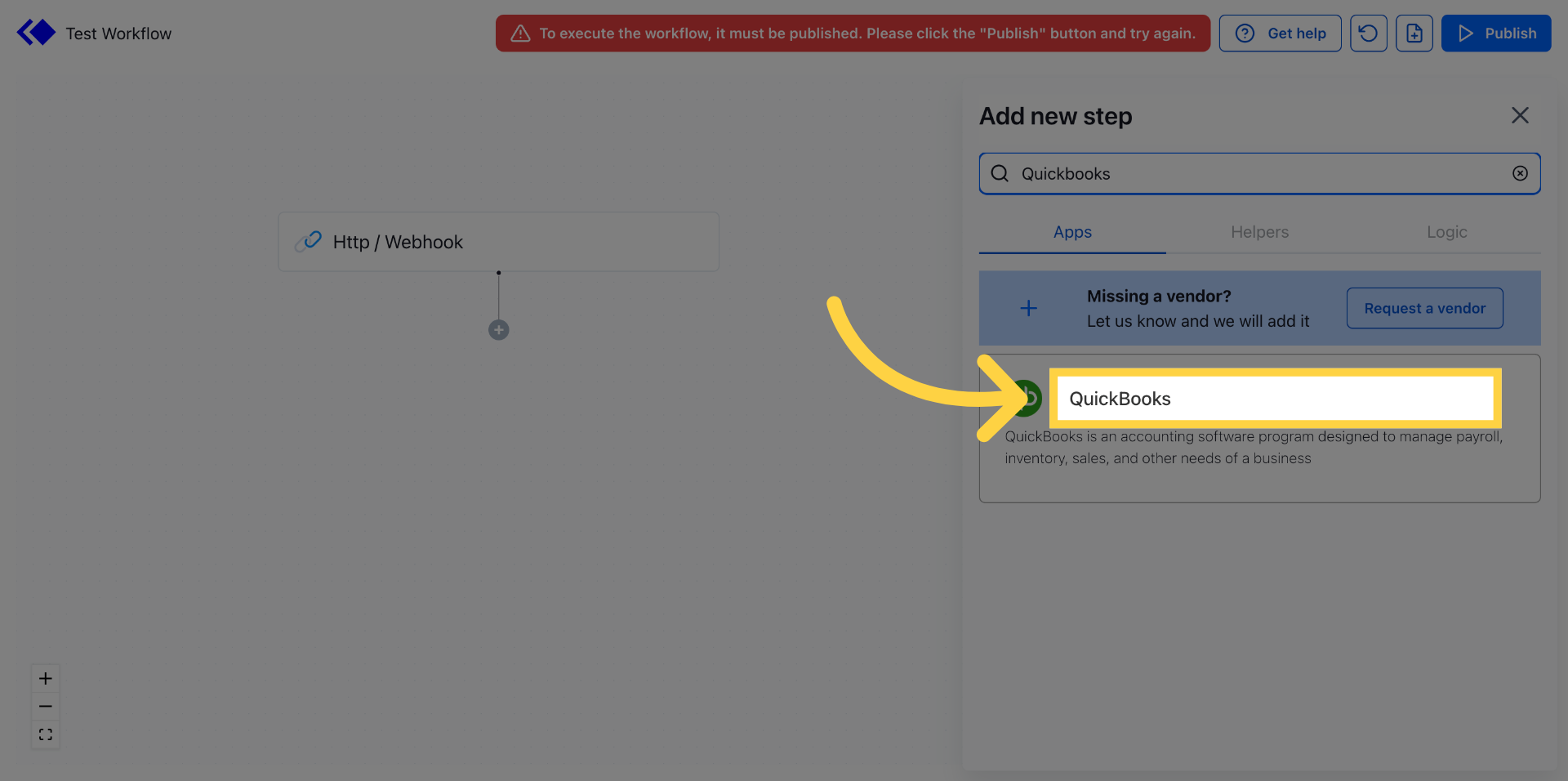
5. Select QuickBooks Integration
Click "QuickBooks" from the search results to proceed with the integration setup.
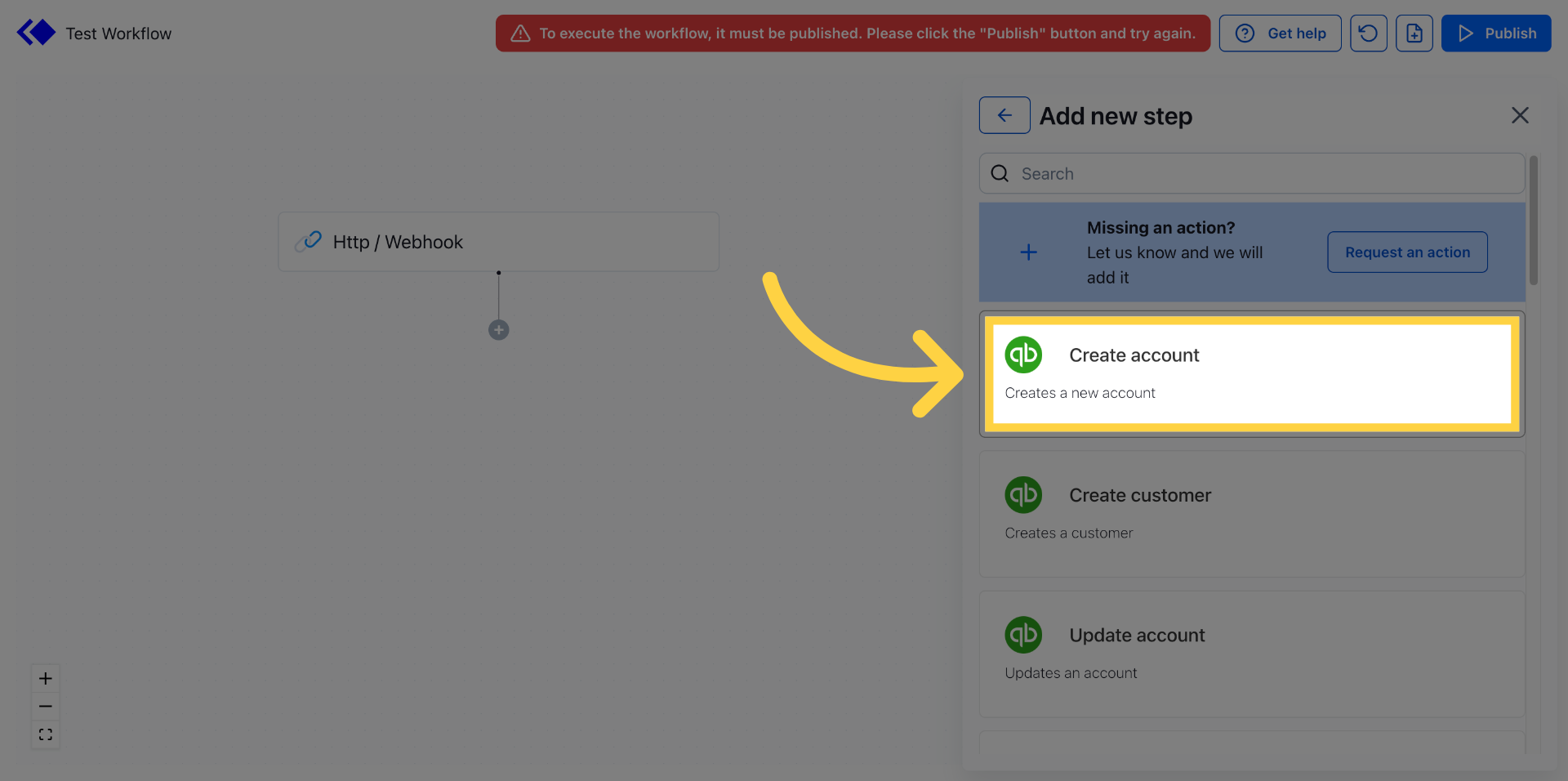
6. Initiate Account Creation
Click an event to start creating a new QuickBooks account connection.
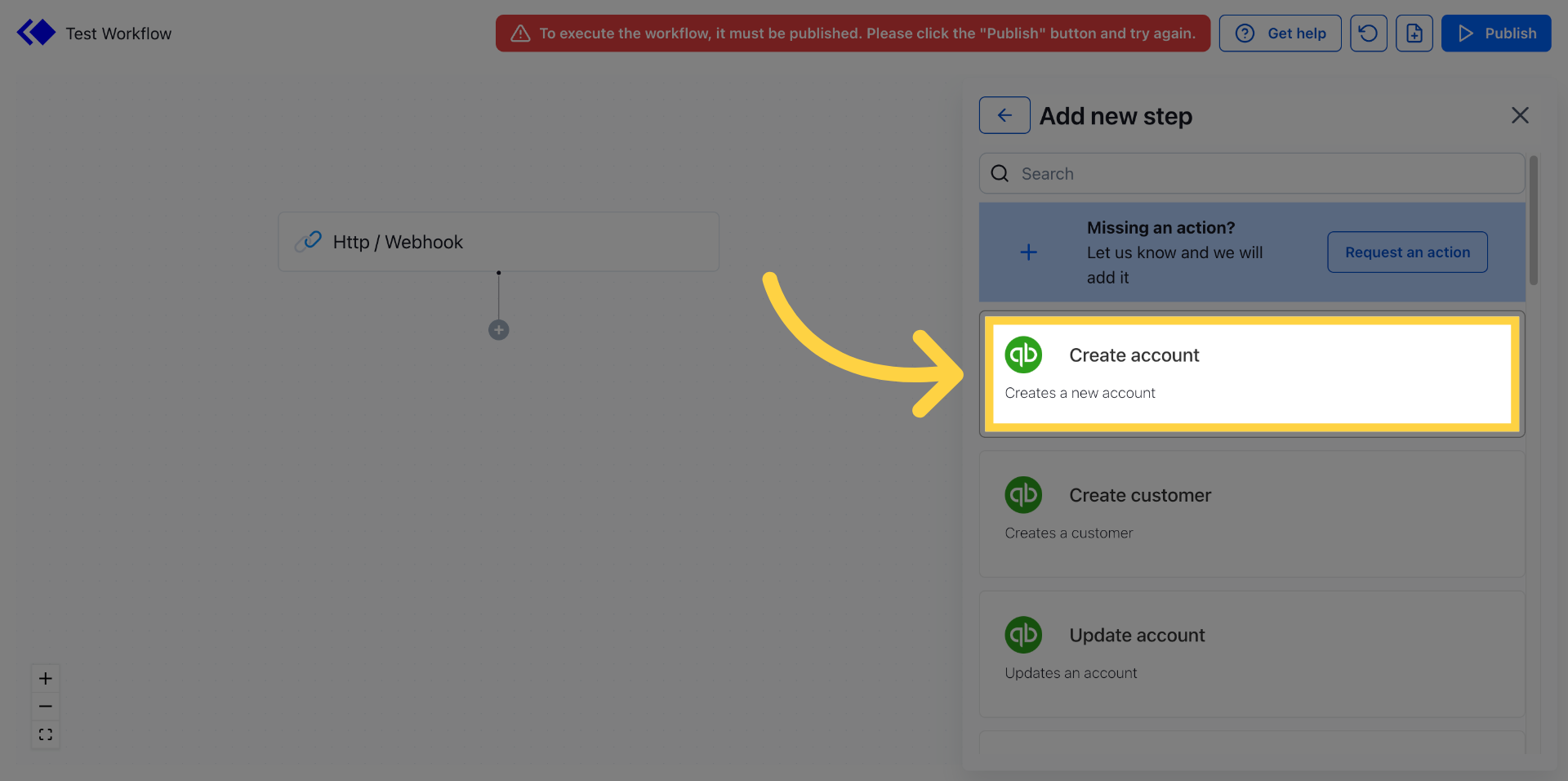
7. Start New Account Connection
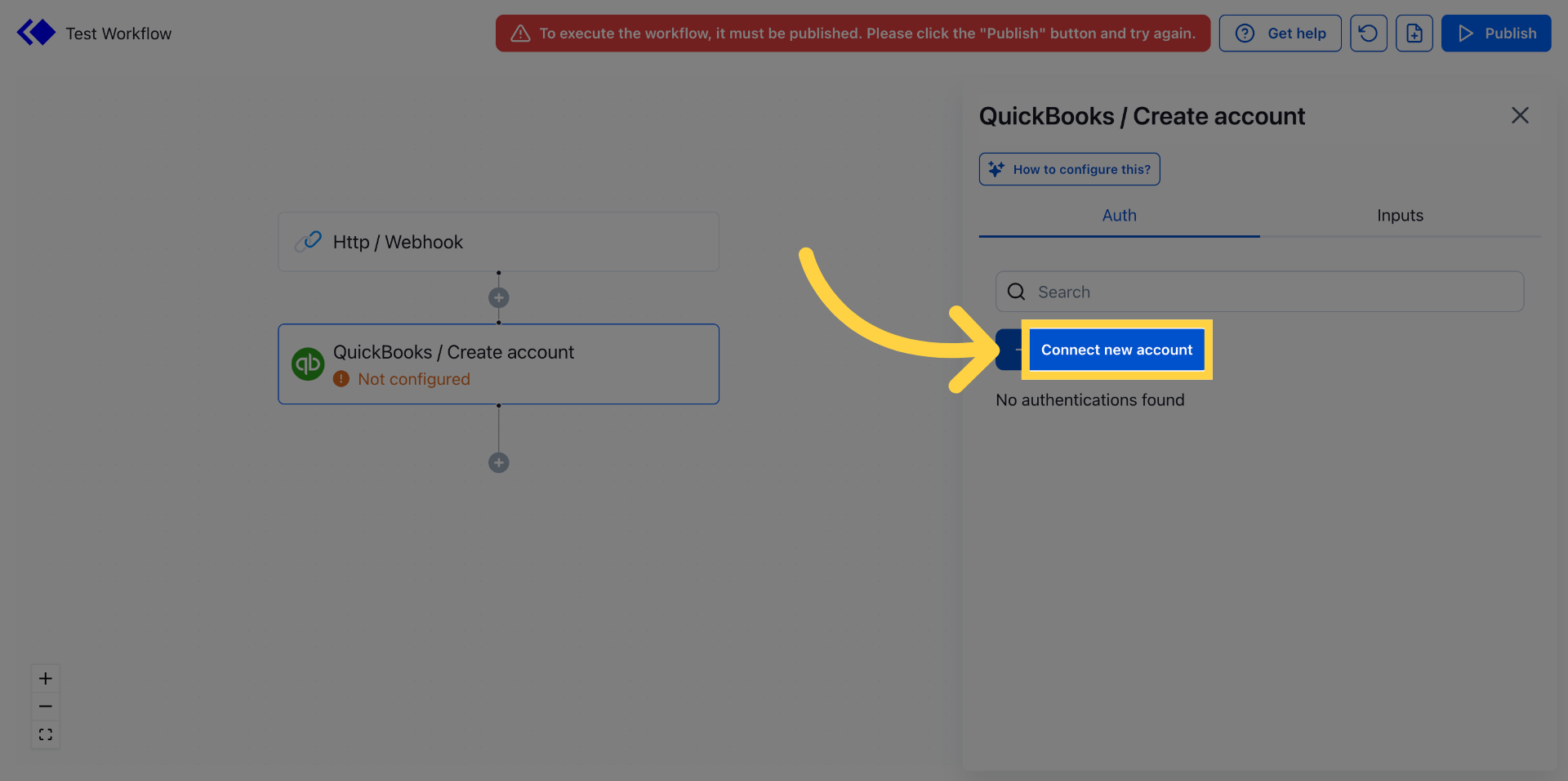
Click "Connect new account" to begin linking your QuickBooks account to Keragon.
8. Confirm Connection Action
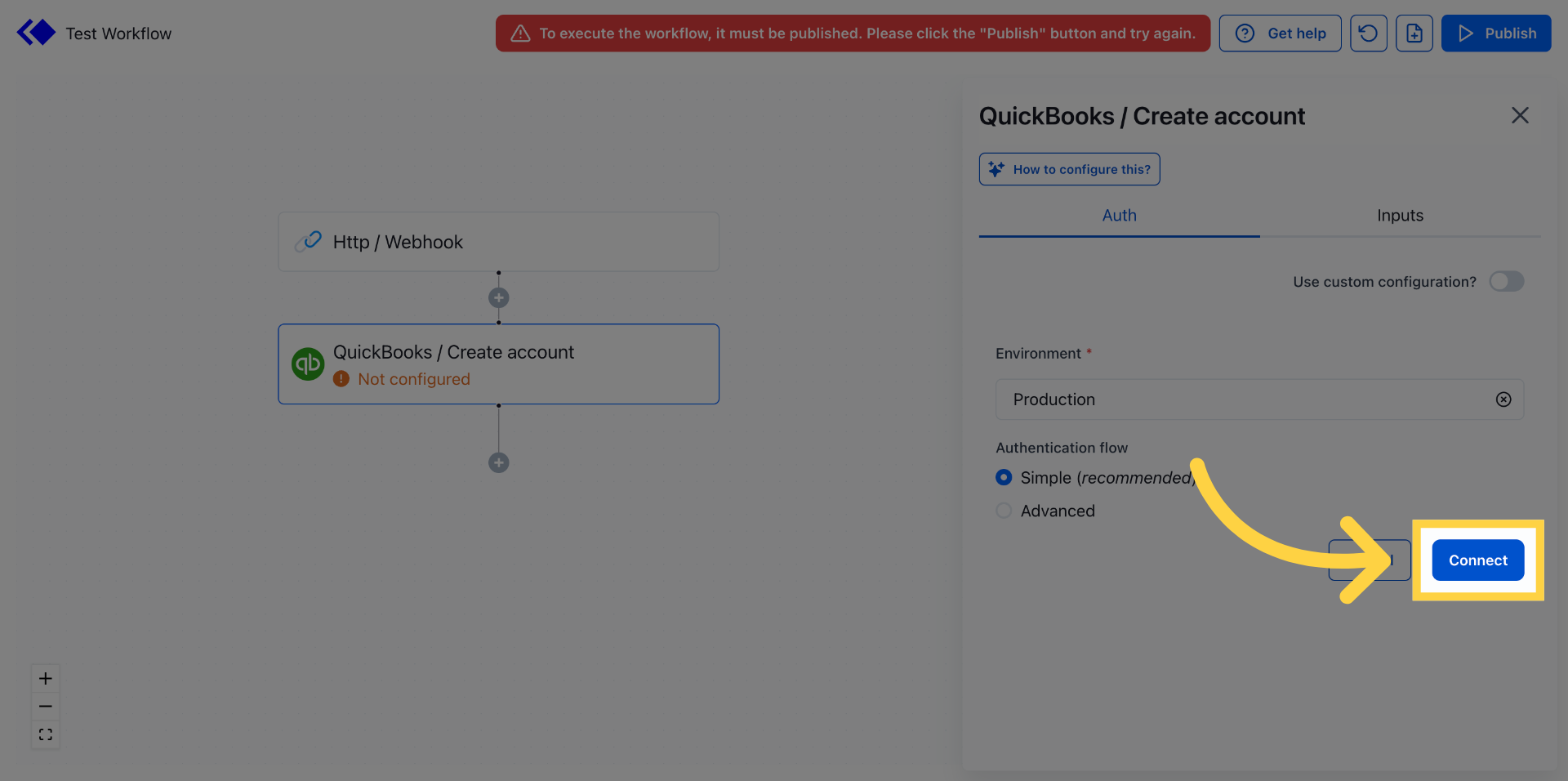
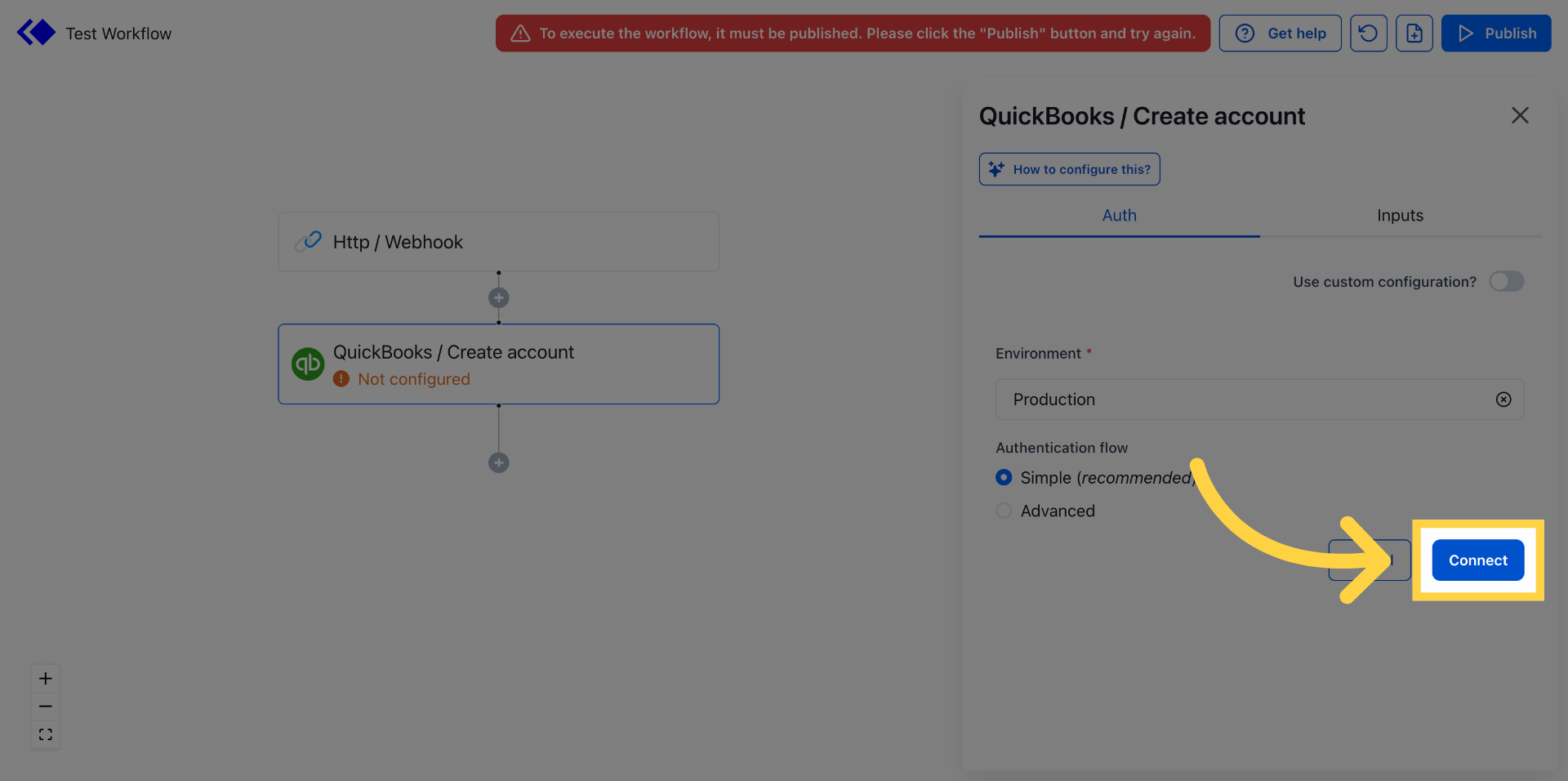
Click "Connect" to confirm and proceed with the account linking process.
9. Switch to QuickBooks Login
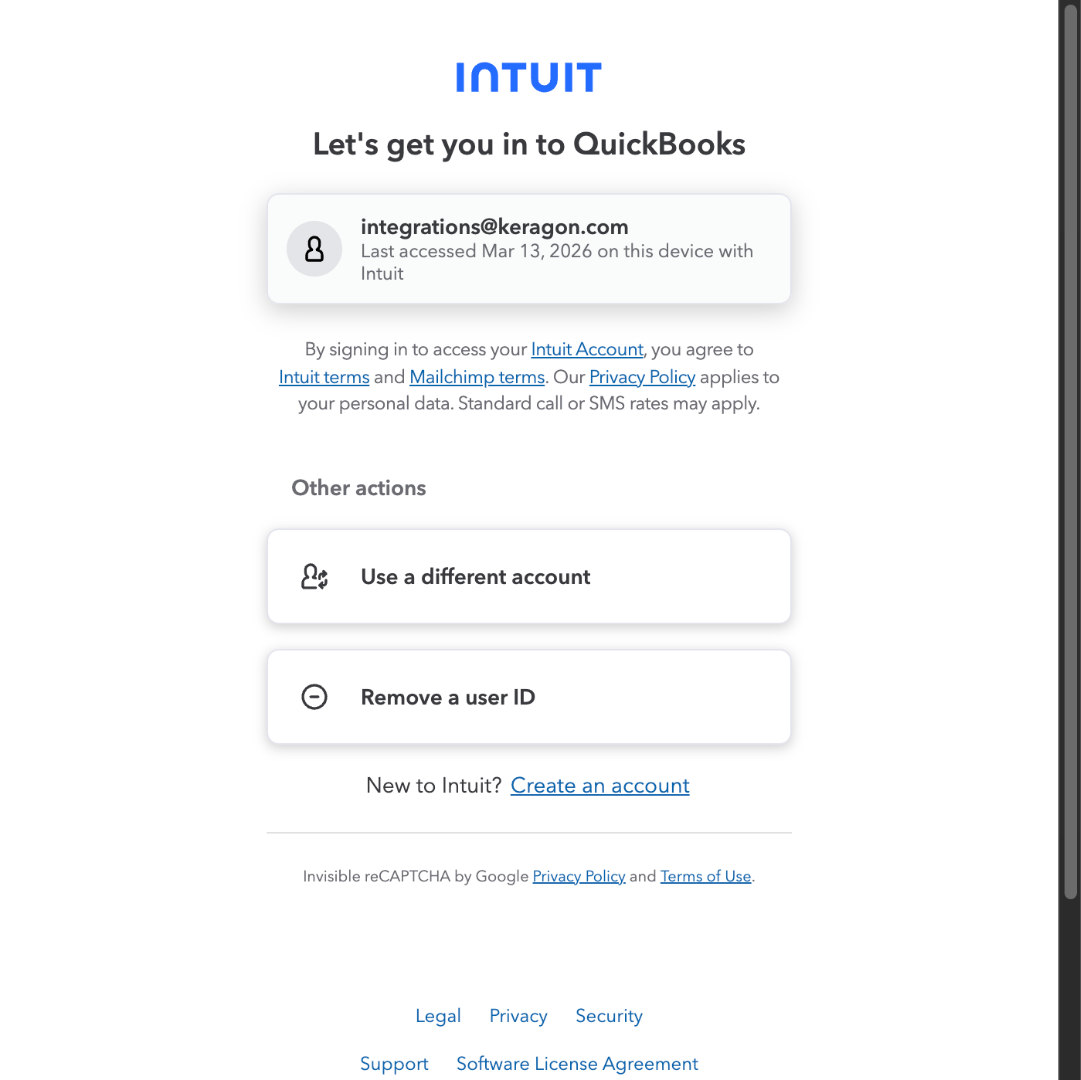
Switch to "accounts.intuit.com" to access the QuickBooks Online login page for authentication.
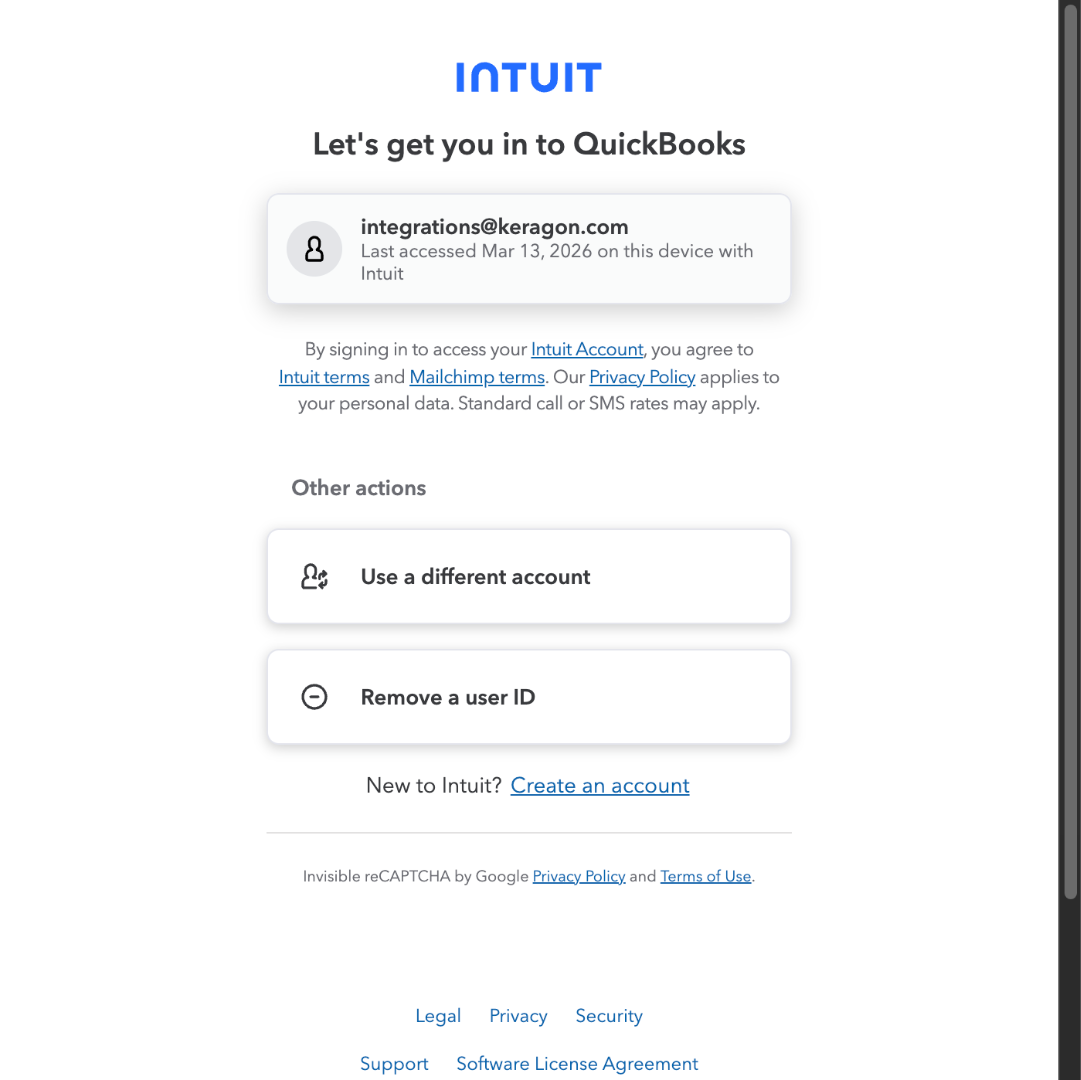
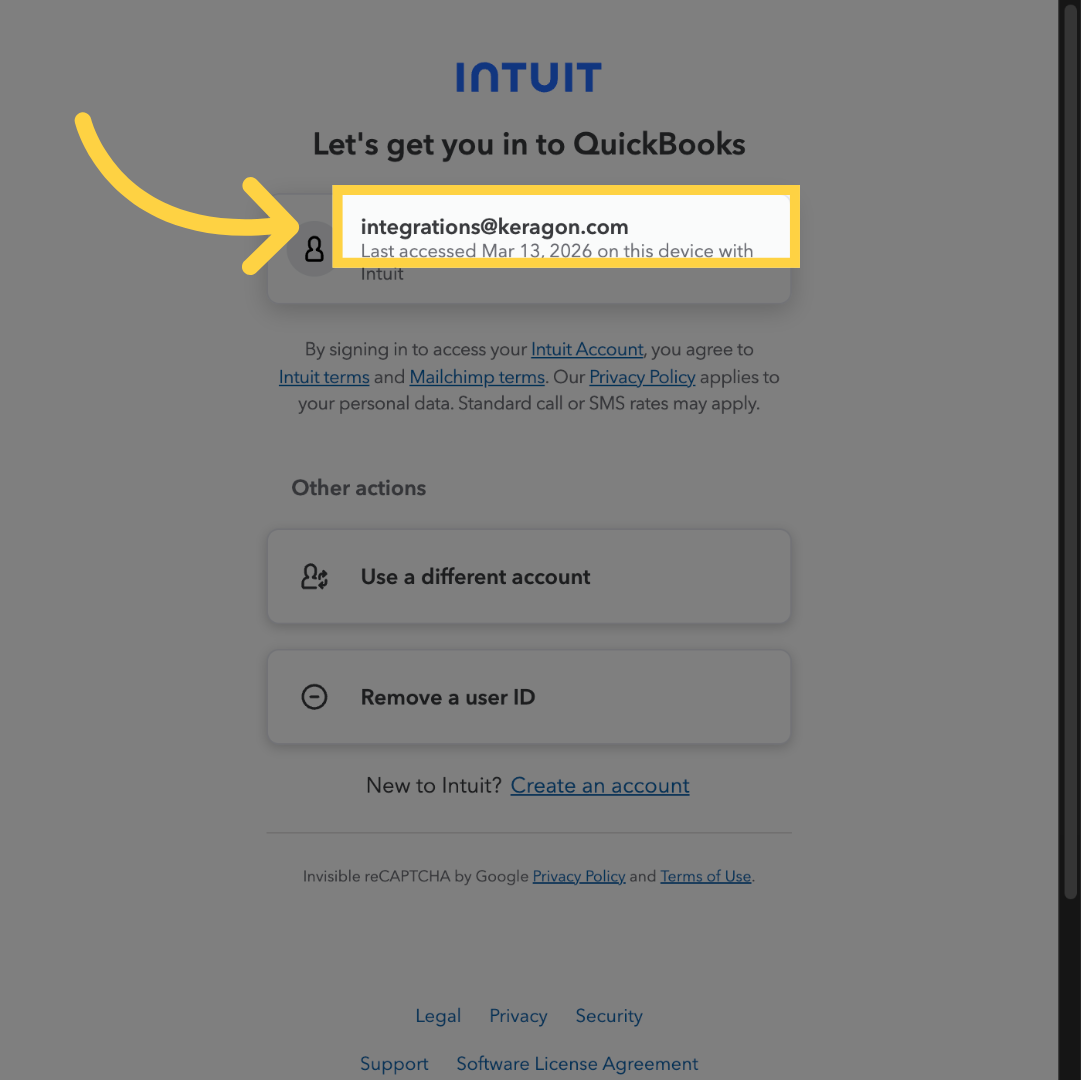
10. Select Keragon Integration Email
Click your QuickBooks Online account for signing in.
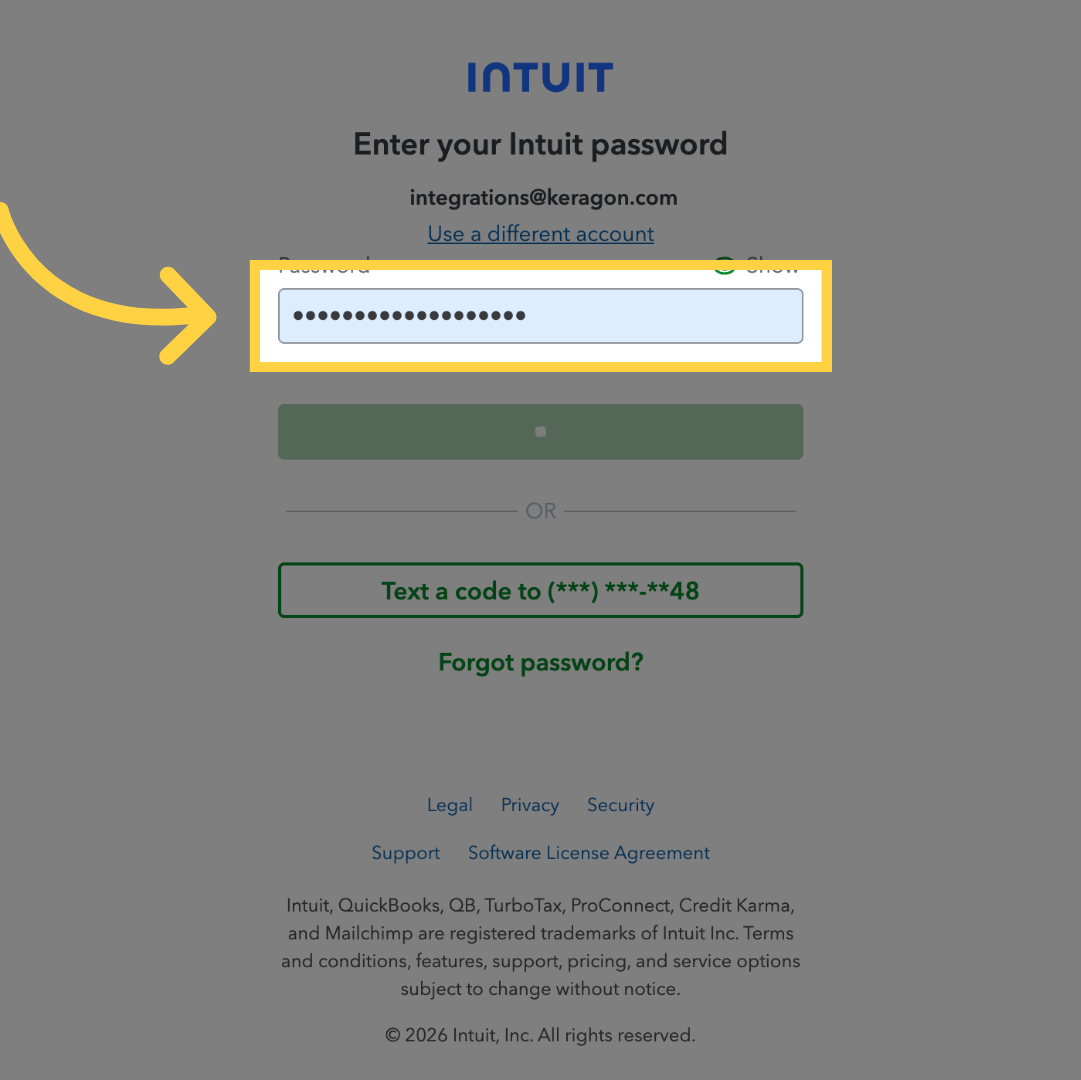
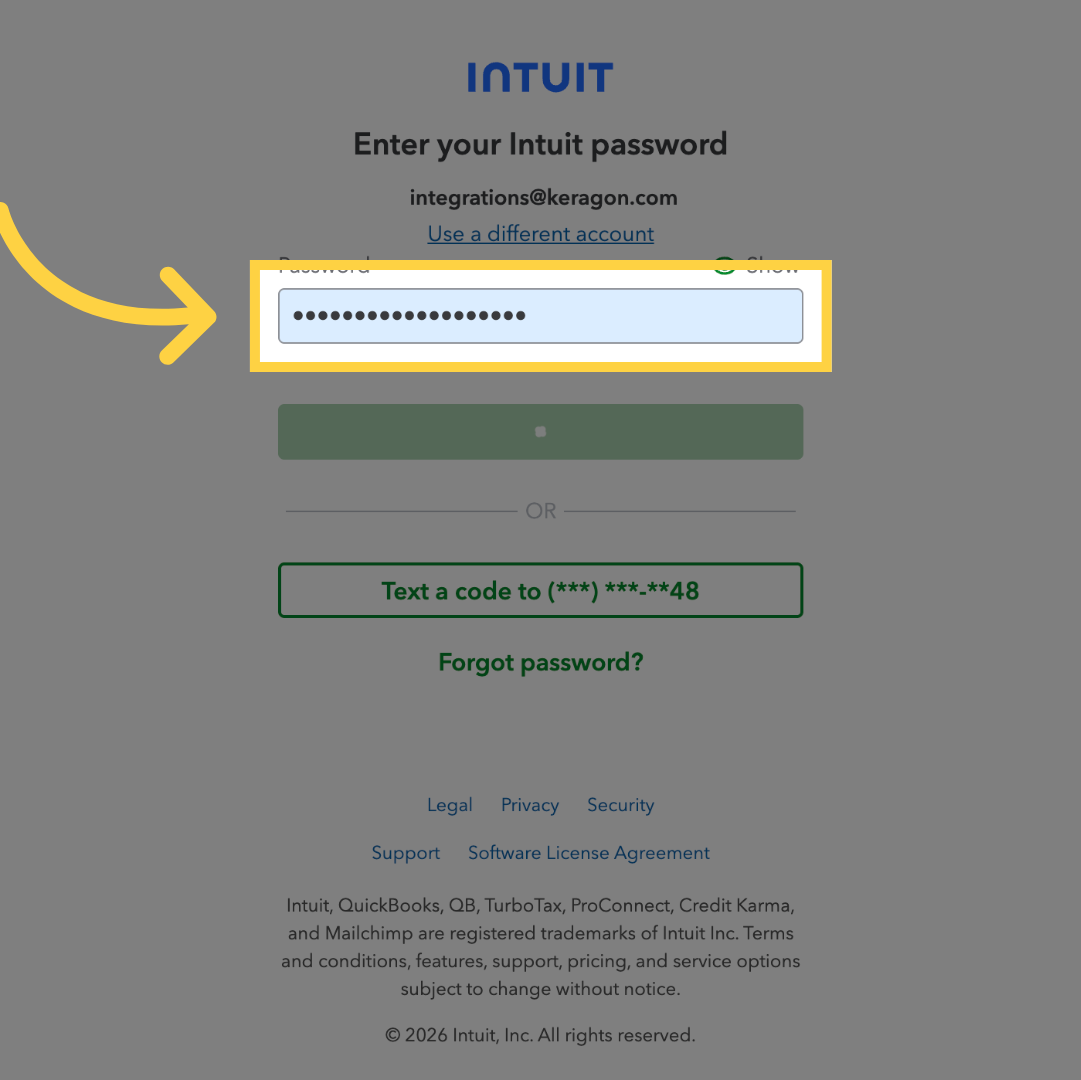
11. Enter Account Password
Fill "[password]" to enter your QuickBooks account password securely and complete the login.
You have successfully connected your QuickBooks account through the Keragon dashboard. This integration allows seamless access to QuickBooks features within Keragon for efficient account management.